


Home › Best tools › Best Task Management App
Last updated: October 29, 2026
TechCurato is reader-supported. Some links are affiliate links: we may earn a commission at no extra cost to you. Learn more.
Best Task Management App in 2027: 6 Picks for Individuals and Teams
ClickUp is the best task management app for most teams: it combines lists, boards, calendars, reminders and automations, with a Free Forever plan and paid plans from $9 per user on annual billing. Trello is the best for simple visual task boards, Asana the best for teams that want clear structure, and Notion the best for people who want tasks and notes in one place. The right app is the one your team opens every day, so ease of use matters as much as features.
- Best overall: ClickUp (Free Forever; Core $9/user/month annual).
- Best for simplicity: Trello (free for 10 collaborators per Workspace; Standard $5/user annual).
- Best for structured teams: Asana (Personal free for 2 users; Starter $10.99/user annual).
- Best for tasks plus notes: Notion (free for individuals; Plus $10/seat monthly).
- Best visual workflows: monday.com (free for 2 seats; Basic $9/seat annual, 3-seat minimum).
- Best for custom task databases: Airtable (free; Team $20/editor annual).
Comparison table
| App | Free plan | Entry price (annual) | Views | Best for |
|---|---|---|---|---|
| ClickUp | Free Forever | Core $9/user | List, board, calendar, Gantt and more | Teams wanting one app for everything |
| Trello | 10 collaborators per Workspace | Standard $5/user | Boards; more views on paid plans | Simple visual task tracking |
| Asana | Personal, 2 users | Starter $10.99/user | List, board, calendar, timeline | Teams wanting structure |
| Notion | Free for individuals | Plus $10/seat (monthly) | Database views | Tasks with notes and docs |
| monday.com | Up to 2 seats, 3 boards | Basic $9/seat (3-seat minimum) | Board, timeline, dashboards | Visual team workflows |
| Airtable | 1,000 records per base | Team $20/editor | Grid, kanban, calendar | Custom task databases |
1. ClickUp: best overall
Why it wins
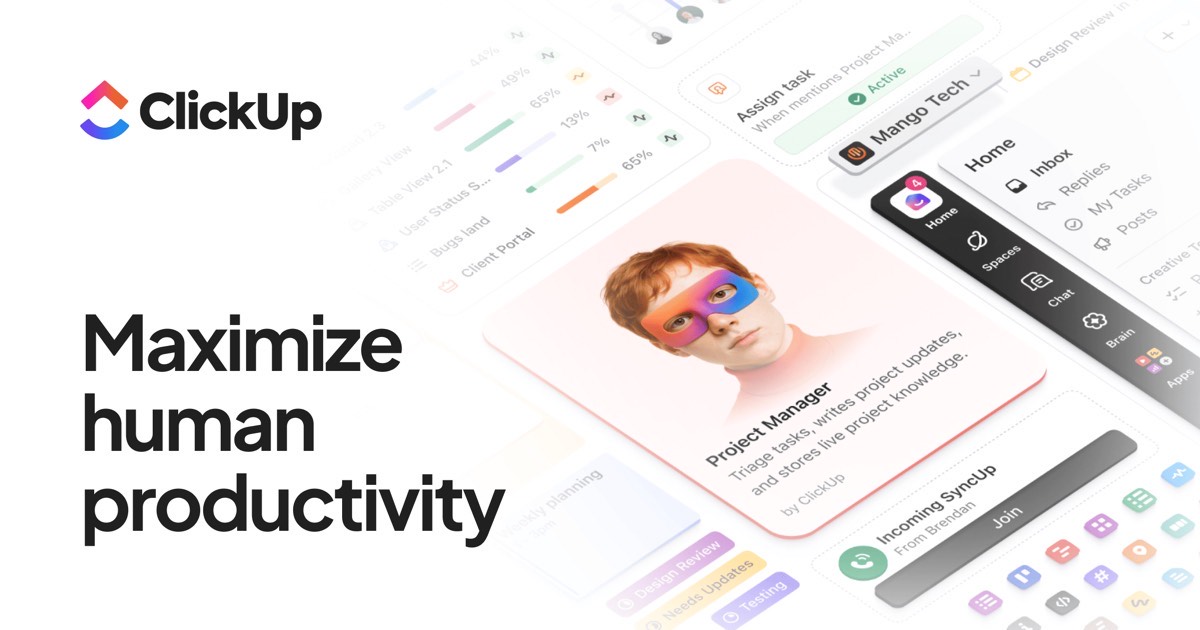
ClickUp covers personal to-dos and team projects in one app: tasks with subtasks, checklists, priorities, due dates, reminders, recurring tasks, many views and automations. The Free Forever plan is generous enough to start, and Core is $9 per user on annual billing. See ClickUp pricing.
Watch out for
The number of features can feel overwhelming at first; start with a simple list and add views later. The free plan has 60 MB storage and 100 automation actions a month.
Try ClickUp Free Forever → Lists, boards and reminders in one app · Affiliate link
2. Trello: best for simplicity
Why it wins
Trello's boards are the quickest way to see what's to do, in progress and done. Anyone can learn it in minutes, and the free plan covers 10 collaborators per Workspace. See Trello pricing.
Watch out for
Calendar, timeline and other views need paid plans, and large projects can outgrow boards.
3. Asana: best for structured teams
Why it wins
Asana makes ownership and due dates clear, with list, board, calendar and timeline views, rules and integrations. It's easy for non-technical teams to adopt. See Asana pricing.
Watch out for
The free Personal plan is limited to 2 users; Starter costs $10.99 per user on annual billing.
4. Notion: best for tasks plus notes
Why it wins
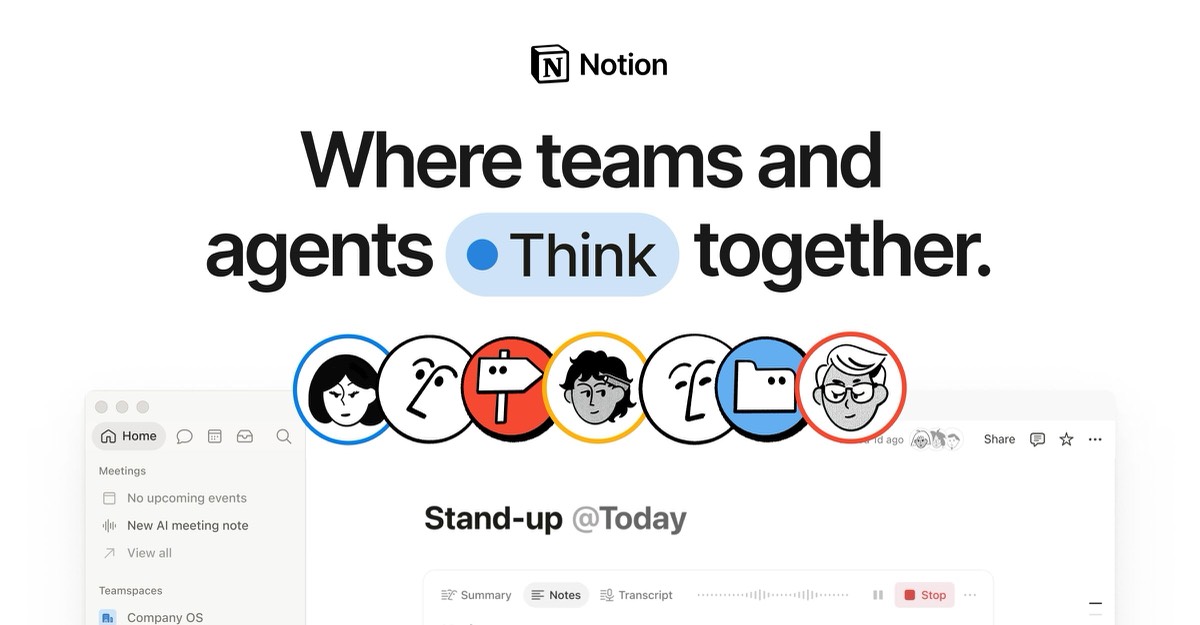
Notion lets you keep tasks next to meeting notes, plans and docs, with database views for lists, boards and calendars. Free for individuals.
Watch out for
Reminders and notifications are more basic than in dedicated task apps, and setup takes some thought.
5. monday.com: best for visual team workflows
Why it wins
Colorful boards, automations and dashboards make status visible across a team. See monday.com pricing.
Watch out for
A 3-seat minimum on paid plans, and many features sit on higher tiers.
6. Airtable: best for custom task databases
Why it wins
Build a task tracker with exactly the fields you need, linked to other tables, with forms and automations. See Airtable pricing.
Watch out for
The free plan allows 1,000 records per base and 100 automation runs a month.
Which task management app should you choose?
| Situation | Pick |
|---|---|
| One app for personal and team tasks | ClickUp |
| Simple boards, minimal setup | Trello |
| Clear owners and deadlines for a team | Asana |
| Tasks mixed with notes and docs | Notion |
| Visual workflows and dashboards | monday.com |
| Custom fields and linked data | Airtable |
See best project management software for small teams, best free project management software and ClickUp vs Asana.
Task management app vs project management software
Task apps focus on lists, due dates and reminders for individuals and small teams. Project management software adds timelines, dependencies, workload and portfolio views. ClickUp, Asana and monday.com do both; Trello and Notion lean toward tasks. See how to manage multiple projects.
Features to look for
- Fast task capture, including from email and mobile.
- Due dates, reminders and recurring tasks.
- Assignees and comments for teamwork.
- Views that fit how you think: list, board or calendar.
- Integrations with calendar, email and chat.
- Mobile apps that work offline.
How we chose
We compared official pricing, free plans, views, collaboration features and ease of use. We don't accept payment for rankings. Some links are affiliate links; see our affiliate disclosure and how we test.
Common mistakes
- Choosing the most powerful app when a simple one would be used more.
- Using several task apps at once.
- Creating tasks without owners or due dates.
- Never reviewing and cleaning old tasks.
Setting up a task app in one afternoon
- Create one space or project per area of work, such as clients, marketing and admin.
- Add your current tasks with an owner and a due date.
- Pick one main view: list for planners, board for visual thinkers.
- Set up recurring tasks for weekly routines.
- Connect your calendar and email so tasks appear where you work.
- Invite the team and agree on two rules: every task has an owner, and the app is the only task list.
- Review the board together once a week and archive what's done.
Moving from spreadsheets or sticky notes
Export or list everything you track today, import it into the new app, and stop updating the old system on a fixed date. Running two systems in parallel for long usually means neither stays current.
Free plans compared
ClickUp's Free Forever plan is the most generous for teams that want many views and features, with limits on storage and automation. Trello's free plan covers up to 10 collaborators per Workspace with unlimited cards, which suits small teams that only need boards. Asana's free Personal plan works for one or two people. Notion is free for individuals, which makes it attractive for solo work, and monday.com's free plan allows 2 seats and 3 boards. Airtable's free plan caps records per base, which matters if you track many tasks. Test the free plan with a week of real work before paying for anything.
Our verdict
ClickUp is the best task management app for most teams because it handles simple lists and complex projects in one place, with a generous free plan. Pick Trello if you want the simplest boards, Asana for structure and Notion if tasks and notes belong together.
FAQ
What is the best task management app?
ClickUp for most teams; Trello for simplicity; Asana for structured team work.
What is the best free task management app?
ClickUp Free Forever and Trello's free plan are the most generous for teams.
Is Notion good for task management?
Yes for individuals and small teams who want tasks with notes; reminders are more basic.
Which task app is easiest to use?
Trello, thanks to its simple boards.
Can I use a task app for projects?
Yes. ClickUp, Asana and monday.com include project features like timelines.
Do task management apps work offline?
Most mobile apps offer some offline access; check each app's details.
Which task app is best for personal use?
ClickUp and Notion work well for individuals on free plans; Trello is the simplest.
Can task apps send reminders?
Yes. ClickUp, Asana, Trello and monday.com send due-date reminders by email, mobile notifications or both.
Is ClickUp too complex for small teams?
It can feel busy at first. Start with a single list view and a few fields, then add boards, calendars or automations only when the team asks for them.
Sources
Official pricing pages of ClickUp, Trello, Asana, Notion, monday.com and Airtable, checked October 30, 2026.