


Home › Comparisons › Notion vs Trello
Last updated: October 29, 2026
TechCurato is reader-supported. Some links are affiliate links: we may earn a commission at no extra cost to you. Learn more.
Notion vs Trello (2027): Prices, Free Plans and Which One to Pick
Choose Trello if your team wants simple visual boards at the lowest price: it's free for up to 10 collaborators and 10 boards per Workspace, and Standard costs $5 per user per month on annual billing. Choose Notion if you want one workspace for documents, wikis, notes and flexible databases: it's free for individuals, and Plus costs $10 per seat per month, with up to 20% off on yearly billing. Trello does one thing simply; Notion does many things flexibly.
- Trello: free for 10 boards and 10 collaborators per Workspace; Standard $5, Premium $10, Enterprise $17.50 per user (annual); Standard $6 monthly.
- Notion: free (unlimited blocks for one person; limited for 2+ members, 5 MB uploads, 7-day history, 10 guests); Plus $10/seat; Business $20/seat (monthly prices); yearly saves up to 20%.
- 10 users on entry paid plans: Trello $50/month vs Notion Plus $100/month.
- Free plan for teams: Trello (10 collaborators); for one person: Notion.
- Notion AI features and agents use Notion credits.
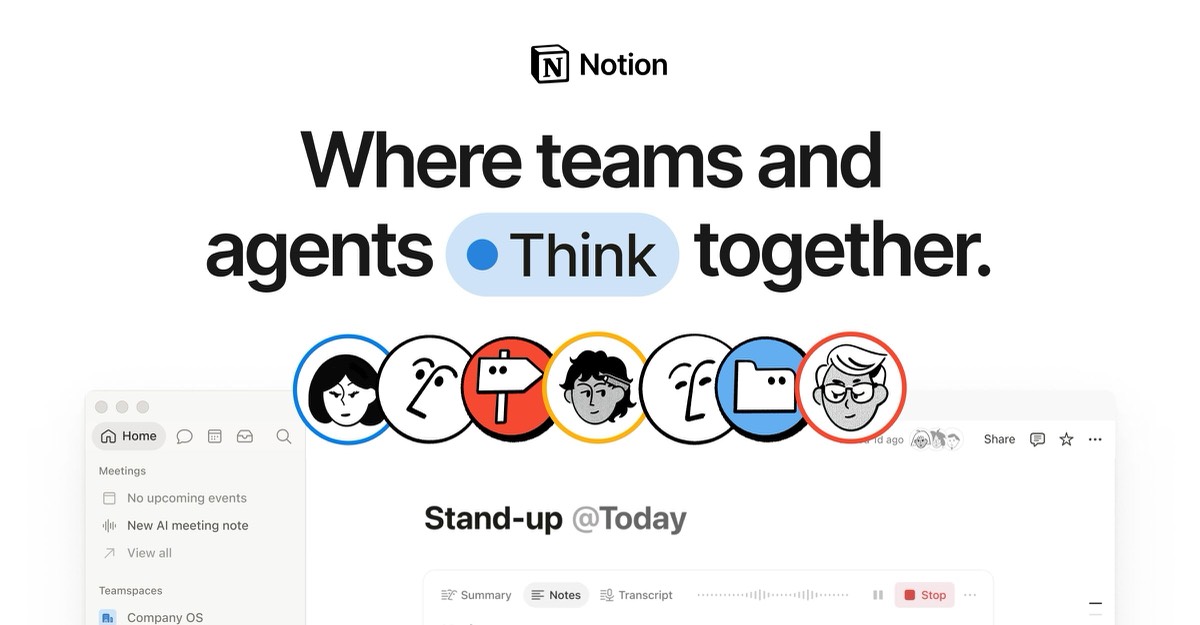
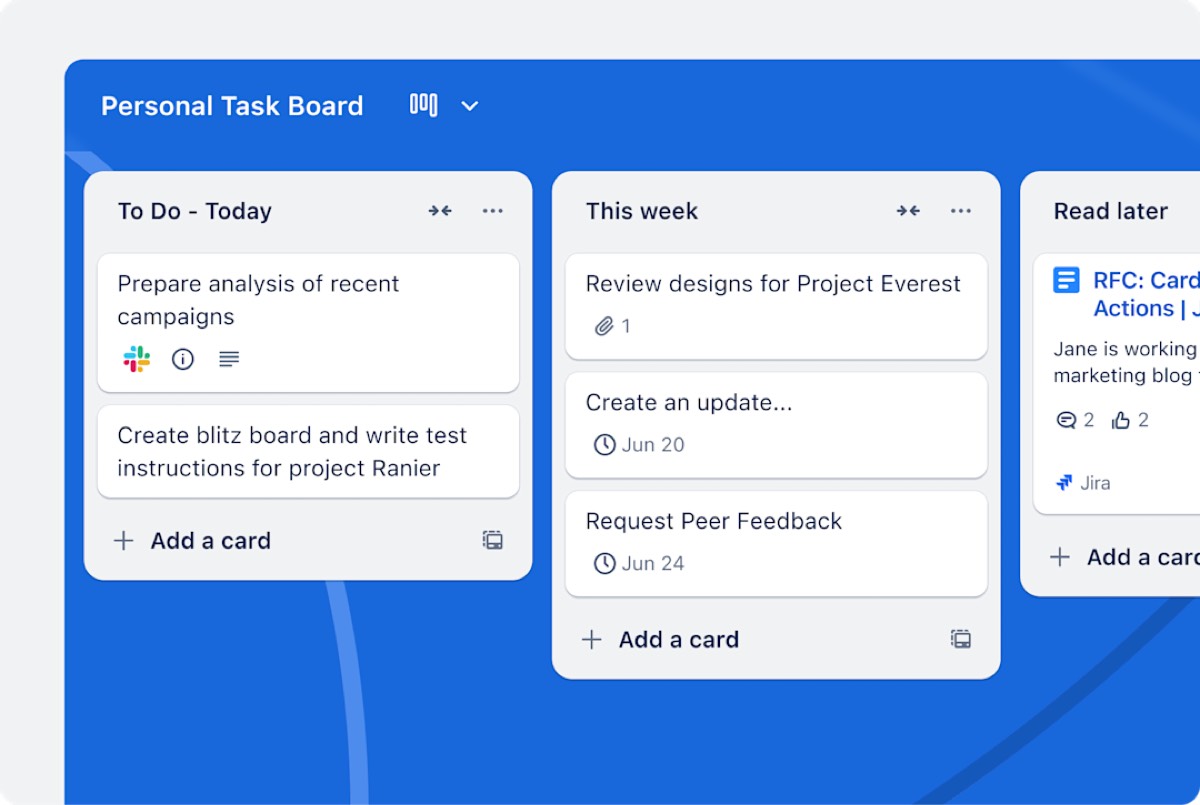
Notion vs Trello at a glance
| Trello | Notion | |
|---|---|---|
| Core idea | Kanban boards | All-in-one docs and databases |
| Free plan | 10 boards, 10 collaborators | Unlimited for one; limited for teams |
| Entry paid plan | Standard $5/user (annual) | Plus $10/seat (monthly price) |
| Next tier | Premium $10/user | Business $20/seat |
| Docs and wikis | Card descriptions only | Full pages and wikis |
| Learning curve | Minutes | Hours to days |
| Best for | Simple task boards | Documentation, planning, knowledge |
Pricing compared
Free plans
Trello's free plan works for small teams: 10 collaborators and 10 boards per Workspace, with 250 automation command runs a month. Notion's free plan is unlimited for one person but limited for workspaces with 2 or more members.
Paid plans
Trello Standard ($5) costs half of Notion Plus ($10 monthly price, about $8 on yearly billing). Trello Premium ($10) matches Notion Plus on price.
What a real team pays per month
| Users | Trello Standard (annual) | Trello Premium (annual) | Notion Plus (monthly price) | Notion Business (monthly price) |
|---|---|---|---|---|
| 3 | $15 | $30 | $30 | $60 |
| 5 | $25 | $50 | $50 | $100 |
| 10 | $50 | $100 | $100 | $200 |
| 25 | $125 | $250 | $250 | $500 |
3-year cost for a growing team
A team of 5 that doubles each year:
| Year (users) | Trello Standard | Notion Plus (monthly price) | Notion Plus (yearly, up to 20% off) |
|---|---|---|---|
| Year 1 (5) | $300 | $600 | from $480 |
| Year 2 (10) | $600 | $1,200 | from $960 |
| Year 3 (20) | $1,200 | $2,400 | from $1,920 |
| Total | $2,100 | $4,200 | from $3,360 |
How each tool works
Trello is a Kanban board: lists for stages, cards for tasks, drag and drop to move work forward. Power-Ups add calendars, custom fields and integrations.
Notion is a set of connected pages. Any page can hold text, images, embeds and databases; databases can be shown as tables, boards, calendars or timelines. You can build a Trello-style board inside Notion, next to the documents that explain the work.
Features that decide the choice
| If you need… | Better choice | Why |
|---|---|---|
| The simplest task board | Trello | Kanban-first, learnable in minutes |
| The lowest paid price | Trello | $5 vs $10 |
| A free plan for a team of up to 10 | Trello | 10 collaborators |
| A wiki, docs and meeting notes | Notion | Pages and linked databases |
| Boards next to the related documents | Notion | Databases inside pages |
| Free for a solo user | Notion | Unlimited blocks for one person |
Three real-world scenarios
A 5-person marketing team tracking campaigns
A board with Ideas, In progress, Review and Done: Trello's free plan covers it.
A startup building its handbook and product specs
Onboarding docs, specs, roadmap and meeting notes: Notion Plus at $10 per seat (monthly price).
A freelancer managing clients and notes
Notion's free plan covers one person with unlimited blocks; Trello's free plan covers up to 10 boards. Choose Notion if you write a lot, Trello if you mostly move cards.
Try Notion free → Free for individuals, no credit card · Affiliate link
Hidden costs to watch
- Trello's free limits: 10 boards and 250 command runs per Workspace.
- Notion's team limits on Free: limited blocks for 2+ members.
- Trello Power-Ups from third parties may cost extra.
- Notion credits for AI, dashboards and agents.
- Monthly billing costs more on both.
Alternatives worth comparing
| Tool | Entry price (annual) | Why consider it |
|---|---|---|
| ClickUp | Core $9/user | Tasks and docs in one tool |
| Asana | Starter $10.99/user | Structured projects |
| monday.com | Basic $9/seat (3-seat minimum) | Visual workflows |
See Notion pricing, Trello pricing, Notion alternatives, Trello alternatives and ClickUp vs Notion.
Who should choose which
Choose Trello if your team wants to see work move across a board with almost no setup, and price matters. Choose Notion if your team writes, documents and plans, and wants tasks living next to that knowledge. If you need both simple boards and docs on a budget, Notion can replace Trello; the reverse is rarely true.
How to choose in 5 steps
- Decide the main job: moving tasks, or capturing knowledge.
- Count users and check which free plan fits.
- List must-haves: wiki, docs, simple boards, automation.
- Run one real project in each for a week.
- Choose the tool your team opened most.
Terms explained
- Board and card: Trello's project view and task item.
- Power-Up: a Trello add-on.
- Block: a piece of content on a Notion page.
- Database: a structured collection of Notion pages.
- Command run: one execution of a Trello automation.
Integrations and automation
Trello's automation is built in, with 250 command runs a month per Workspace on the free plan, and Power-Ups connect boards to Slack, Google Drive, calendars and more. Notion connects with Slack, Google Drive, GitHub and other tools, and its databases can be updated through integrations and its API. For simple rules such as moving cards or assigning members, Trello is easier; for connecting docs and data across tools, Notion is more flexible.
Collaboration
Both let teams comment, mention colleagues and share pages or boards with guests. Notion's free plan allows up to 10 guests; Trello's free plan counts collaborators toward its 10-person limit per Workspace. Notion pages can also be published to the web, which is useful for public roadmaps or help pages.
Our verdict
Trello is the better choice for simple, visual task management at the lowest price: free for 10 collaborators and $5 per user on Standard. Notion is the better choice for teams that need docs, wikis and flexible planning in one place, at $10 per seat or less on yearly billing. If your Trello cards keep needing long documents, Notion is the natural upgrade.
How we compiled this page
We compared Notion's and Trello's official pricing pages on October 29, 2026. Trello prices use annual billing; Notion prices are monthly prices, with up to 20% off yearly.
FAQ
Is Trello cheaper than Notion?
Yes: Trello Standard costs $5 per user versus $10 for Notion Plus (monthly price).
Can Notion replace Trello?
Yes, for most teams: Notion databases can be shown as boards. Trello remains simpler for pure task boards.
Which has a better free plan?
Trello for teams (10 collaborators); Notion for individuals.
Is Notion harder to learn than Trello?
Yes. Trello takes minutes; Notion takes longer if you build databases.
Can I import Trello boards into Notion?
Yes. Notion has a Trello importer.
Which is better for personal use?
Notion, thanks to its unlimited free plan for one person.
Which has better mobile apps?
Both offer iOS and Android apps. Trello's boards are especially easy to use on a phone.
Which is better for agencies?
Trello for simple client boards; Notion for agencies that also keep briefs, wikis and client portals.
Sources
notion.com/pricing and trello.com/pricing, checked October 29, 2026.
Related
- Notion Pricing 2027: Free vs Plus vs Business Explained
- 6 Best Notion Alternatives (2027): Prices & Who Each Is For
- 6 Best Trello Alternatives (2027): Prices & Free Plans
- Airtable vs Notion (2027): Prices, Limits & Which to Choose
- Asana vs Notion (2027): Prices, Free Plans & Which to Pick