


Home › Comparisons › Notion vs monday.com
Last updated: October 29, 2026
TechCurato is reader-supported. Some links are affiliate links: we may earn a commission at no extra cost to you. Learn more.
Notion vs monday.com (2027): Prices, Limits and Which One to Pick
Choose monday.com if your team needs to run projects and workflows with owners, dates, dashboards and automations: Basic costs $9 per seat per month, Standard $12 and Pro $19 on annual billing, with a 3-seat minimum and a free plan for 2 seats. Choose Notion if your team mainly needs documents, a wiki and flexible databases: it's free for individuals and Plus costs $10 per seat per month, with up to 20% off yearly. monday.com runs work; Notion holds knowledge. Many teams use both.
- monday.com: Free (2 seats, 3 boards); Basic $9, Standard $12, Pro $19 per seat (annual); 3-seat minimum.
- monday.com automations: 250 a month on Standard, 25,000 on Pro.
- Notion: Free (unlimited for one person, limited for 2+ members, 5 MB uploads, 7-day history, 10 guests); Plus $10; Business $20 per seat (monthly prices); yearly saves up to 20%.
- 10 users: monday.com Standard $120/month vs Notion Plus $100/month.
- Solo user: monday.com still bills 3 seats ($36/month on Standard); Notion is free.
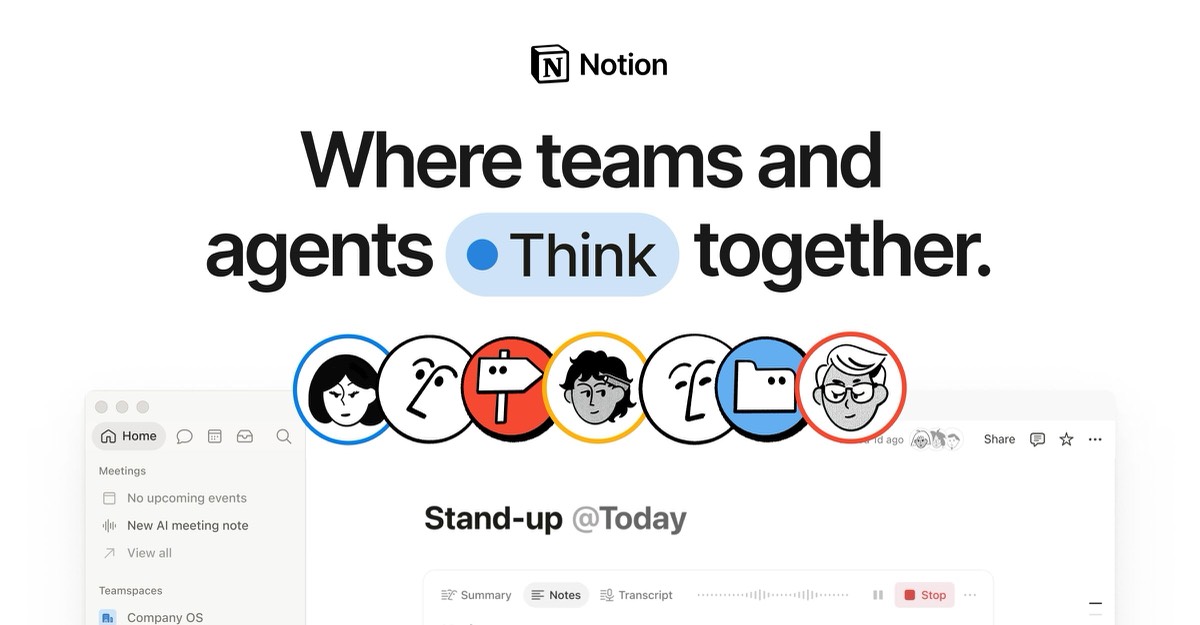
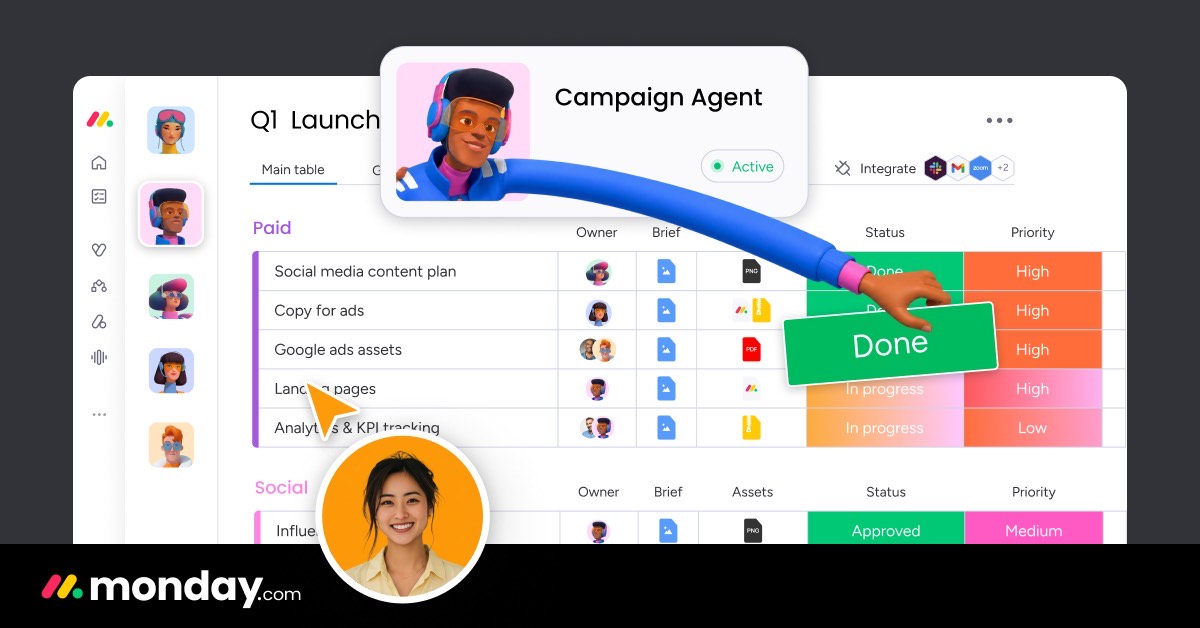
Notion vs monday.com at a glance
| Notion | monday.com | |
|---|---|---|
| Core idea | Connected docs, wikis and databases | Visual work management |
| Free plan | Unlimited for one person; limited for teams | 2 seats, 3 boards |
| Entry paid plan | Plus $10/seat (monthly price) | Basic $9/seat (annual) |
| Most popular plan | Plus $10 | Standard $12 |
| Upper plan | Business $20 | Pro $19 |
| Seat minimum | None | 3 seats |
| Dashboards | Database charts on Plus | Built in, across boards |
| Best for | Documentation and flexible planning | Projects, requests and operations |
Pricing compared
monday.com Standard ($12) costs a little more per seat than Notion Plus ($10 at its monthly price, about $8 on yearly billing). The bigger difference is the minimum: monday.com bills at least 3 seats and sells seats in buckets, while Notion bills each person. For a solo founder, Notion is free and monday.com costs at least $27 a month on Basic.
What a real team pays per month
| Users | Notion Plus (monthly price) | Notion Business | monday.com Basic (annual) | monday.com Standard (annual) | monday.com Pro (annual) |
|---|---|---|---|---|---|
| 1 | $0 (Free) or $10 | $20 | $27 (3-seat minimum) | $36 | $57 |
| 5 | $50 | $100 | $45 | $60 | $95 |
| 10 | $100 | $200 | $90 | $120 | $190 |
| 25 | $250 | $500 | $225 | $300 | $475 |
3-year cost for a growing team
A team of 5 that doubles each year:
| Year (users) | Notion Plus (monthly price) | Notion Plus (yearly, up to 20% off) | monday.com Standard |
|---|---|---|---|
| Year 1 (5) | $600 | from $480 | $720 |
| Year 2 (10) | $1,200 | from $960 | $1,440 |
| Year 3 (20) | $2,400 | from $1,920 | $2,880 |
| Total | $4,200 | from $3,360 | $5,040 |
How each tool works
Notion is made of pages. A page can hold text, images, embeds and databases, and databases can appear as tables, boards, calendars or timelines. Teams build their own wiki, meeting notes, roadmaps and lightweight trackers, all linked together.
monday.com is made of boards. Each item is a row with columns for status, owner, dates, numbers or files, and you can view a board as a table, kanban, timeline or calendar. Dashboards combine many boards, and automations move work along when something changes. It's designed so managers see who's doing what without asking.
Features that decide the choice
| If you need… | Better choice | Why |
|---|---|---|
| A company wiki and documentation | Notion | Pages and linked databases |
| Dashboards across many projects | monday.com | Built-in dashboards |
| Automation of status changes and assignments | monday.com | 250 to 25,000 actions a month |
| A free tool for one person | Notion | Unlimited blocks for individuals |
| A free plan for two people | monday.com | 2 free seats |
| CRM and projects on one platform | monday.com | monday CRM on the same platform |
Three real-world scenarios
A 4-person design studio
Client briefs, moodboards and project notes live naturally in Notion Plus ($40 a month). If the studio needs workload views and client dashboards, monday.com Standard covers 5 seats for $60.
A 15-person operations team
Purchase requests, vendor onboarding and inventory checks, each with its own workflow: monday.com Standard (about $180 a month) with automations and dashboards.
A 30-person startup
Notion for the handbook, specs and meeting notes; monday.com or another project tool for execution. Before paying for both, try running projects in Notion databases for a month.
Try monday.com free → Free for 2 seats, no credit card · Affiliate link
Hidden costs to watch
- monday.com's 3-seat minimum and seat buckets.
- monday.com Standard's 250 automation actions a month.
- Notion's team limits on the free plan.
- Notion credits for AI features, dashboards and agents.
- Paying for two tools when one would do.
Alternatives worth comparing
| Tool | Entry price (annual) | Why consider it |
|---|---|---|
| ClickUp | Core $9/user | Docs and project management together |
| Asana | Starter $10.99/user | Structured projects |
| Airtable | Team $20/editor | Relational databases |
See Notion pricing, monday.com pricing, Notion alternatives, monday.com alternatives and ClickUp vs Notion.
Who should choose which
Choose monday.com if managers need to see the status of many projects or requests at a glance and you want automations to move work along. Choose Notion if your team writes and documents more than it tracks, or if you're a solo founder who wants a free tool. If you need both, use Notion for knowledge and monday.com for execution, and link them.
How to choose in 5 steps
- Decide the main job: running work or capturing knowledge.
- Count users, including monday.com's 3-seat minimum.
- List automations and dashboards you need.
- Build one real project in monday.com and one wiki section in Notion.
- Keep the tool your team opened most in the trial week.
Terms explained
- Board: a monday.com project or workflow, made of items and columns.
- Item: one row on a monday.com board.
- Block: a piece of content on a Notion page.
- Database: a structured collection of Notion pages.
- Seat bucket: monday.com's packs of seats.
Mistakes to avoid
- Paying for both tools before testing whether one covers your needs.
- Forgetting monday.com's 3-seat minimum.
- Building complex Notion project systems that nobody maintains.
Integrations
Both connect with Slack, Google Workspace and Microsoft Teams, and both work with Zapier and Make. Teams that use both tools often link Notion pages inside monday.com items so briefs and tasks stay connected.
Our verdict
monday.com is the better choice for managing team work, with dashboards and automations that Notion doesn't match without effort. Notion is the better choice for documentation and flexible planning, and it's free for one person. Pick by the job your team does most, and don't be surprised if you end up using both.
How we compiled this page
We compared Notion's and monday.com's official pricing pages on October 29, 2026. monday.com prices use annual billing; Notion prices are monthly prices with up to 20% off yearly.
FAQ
Is Notion cheaper than monday.com?
Usually, yes: Notion Plus costs $10 per seat (monthly price) versus $12 for monday.com Standard, and Notion has no seat minimum.
Is monday.com better than Notion?
For project and workflow management, yes. For documents and wikis, Notion is better.
Which has a better free plan?
Notion for one person; monday.com for two people (2 seats, 3 boards).
Can Notion replace monday.com?
For light project tracking, yes. For dashboards across many boards and heavy automation, monday.com is stronger.
Can monday.com replace Notion?
monday.com has docs, but it isn't designed as a company wiki.
Does monday.com have a seat minimum?
Yes, 3 seats on paid plans.
Which is better for agencies?
monday.com for client projects and workload; Notion for client wikis and briefs.
Does Notion have automations?
Notion has database automations and integrations, but monday.com's automations are more extensive for workflows.
Which is better for startups?
Notion for early documentation; monday.com once several teams need dashboards.
Can I try both before paying?
Yes. Use the free plans or trials of both with real data for a week, then decide.
Can I switch later?
Yes. Both import and export CSV files; switching is easier while your data is still simple.
Sources
notion.com/pricing and monday.com/pricing, checked October 29, 2026.
Related
- 5 Best monday.com Alternatives in 2027 (Cheaper & Free)
- monday.com Pricing 2027: Every Plan & What You'll Really Pay
- ClickUp vs monday.com (2027): Prices, Limits & Verdict
- Notion Pricing 2027: Free vs Plus vs Business Explained
- 6 Best Notion Alternatives (2027): Prices & Who Each Is For