


Home › Software › Trello › Alternatives
Last updated: October 29, 2026
TechCurato is reader-supported. Some links are affiliate links: we may earn a commission at no extra cost to you. Learn more.
6 Best Trello Alternatives (2027): Prices, Free Plans and Who Each Is For
The best Trello alternative for most growing teams is ClickUp: it keeps Kanban boards but adds list, calendar, Gantt and workload views, docs, dashboards and time tracking for $9 per user per month on annual billing, with a Free Forever plan. Choose monday.com for visual workflows and dashboards ($9 per seat, 3-seat minimum), Asana for structured projects ($10.99), Notion for docs plus boards ($10) and Airtable for databases ($20 per editor). Trello itself is free for 10 collaborators and costs $5 per user on Standard.
- Best overall: ClickUp (Core $9/user, Free Forever plan)
- Best for visual workflows: monday.com (Basic $9/seat, Standard $12)
- Best for structured projects: Asana (Starter $10.99/user)
- Best for docs plus boards: Notion (Plus $10/seat)
- Best for databases: Airtable (Team $20/editor)
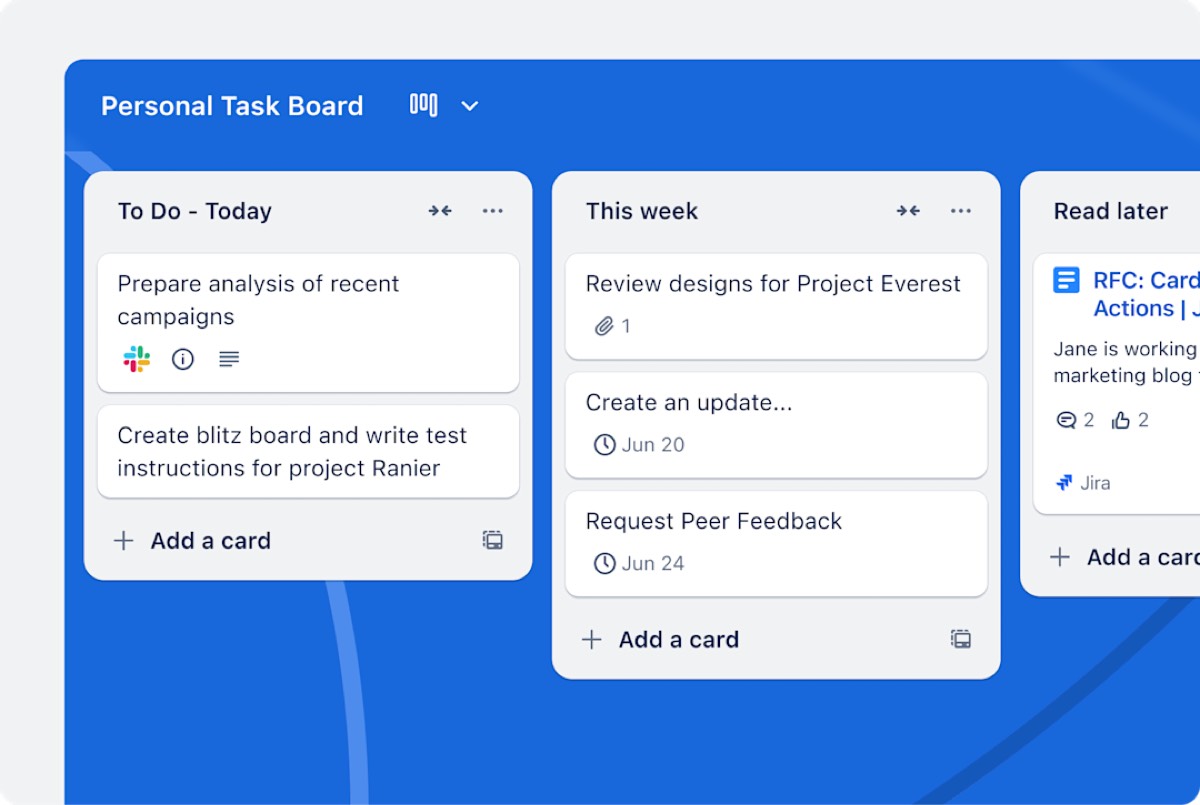
Why people look for a Trello alternative
Trello is simple and cheap, which is exactly why teams outgrow it. Common reasons:
- Reporting: managers want dashboards and workload views without Power-Ups.
- Complex projects: dependencies, timelines and multiple projects at once.
- Automation limits: 250 command runs a month per Workspace on Free.
- Board limits: 10 boards per Workspace on Free.
Trello alternatives compared
| Tool | Free plan | Entry paid plan (annual) | Best for |
|---|---|---|---|
| Trello (reference) | 10 boards, 10 collaborators | Standard $5/user | Simple boards |
| ClickUp | Free Forever: 60 MB, 100 automations | Core $9/user | All-in-one project management |
| monday.com | 2 seats, 3 boards | Basic $9/seat (3-seat minimum) | Visual workflows, dashboards |
| Asana | Up to 2 users | Starter $10.99/user | Structured projects |
| Notion | Free for individuals | Plus $10/seat (monthly price) | Docs plus boards |
| Airtable | 1,000 records/base, 5 editors | Team $20/editor | Databases |
What each alternative costs a 10-person team
| Tool | Plan | Per month | Per year |
|---|---|---|---|
| Trello | Standard | $50 | $600 |
| ClickUp | Core | $90 | $1,080 |
| monday.com | Basic | $90 | $1,080 |
| Notion | Plus (monthly price) | $100 | $1,200 |
| Asana | Starter | $109.90 | $1,318.80 |
| Airtable | Team | $200 | $2,400 |
Every alternative costs more than Trello Standard; the question is whether the extra features save more time than they cost.
1. ClickUp: best overall Trello alternative
ClickUp keeps board views but adds a dozen other views of the same tasks, docs, goals, dashboards, time tracking and automation. Core costs $9 per user on annual billing ($12 regular) and Business $17. The Free Forever plan includes 60 MB of storage and 100 automation actions a month, and ClickUp has a Trello importer.
Choose it if: your team has outgrown boards and wants one tool for everything. See Trello vs ClickUp.
2. monday.com: best for visual workflows
monday.com keeps the visual feel of Trello but adds columns for owners, dates, numbers and statuses, dashboards across boards, and automations (250 a month on Standard, 25,000 on Pro). Basic costs $9 per seat, Standard $12 and Pro $19 on annual billing, with a 3-seat minimum.
Choose it if: you manage many workflows and want dashboards. See monday.com vs Trello.
3. Asana: best for structured projects
Asana's tasks have owners, due dates and dependencies, with timelines, unlimited automations and dashboards on Starter ($10.99 per user, annual). It's free for up to 2 users.
Choose it if: projects need clear ownership and deadlines. See Trello vs Asana.
4. Notion: best for docs plus boards
Notion databases can be shown as Kanban boards, right next to the documents that explain the work. It's free for individuals and Plus costs $10 per seat (monthly price), with up to 20% off yearly.
Choose it if: your cards keep needing long descriptions and documents. See Notion vs Trello.
5. Airtable: best for databases
Airtable gives every card typed fields and links between tables, with kanban, grid, calendar and timeline views, and 25,000 automation runs a month on Team ($20 per editor, annual).
Choose it if: your boards are really tracking structured data such as inventory or content.
6. Stay on Trello Premium
Trello Premium ($10 per user, annual) adds more views and admin features. If your team loves Trello's simplicity, upgrading may cost less disruption than switching.
Try ClickUp Free Forever → Import your Trello boards, no credit card · Affiliate link
Three real-world scenarios
A 6-person content team
ClickUp Core ($54 a month) adds a calendar and workload view; Notion Plus ($60) adds briefs next to the board.
A 15-person operations team
monday.com Standard (about $180 a month) adds dashboards and automations across many request types.
A 4-person team happy with boards
Stay on Trello's free plan or Standard ($20 a month). Switching only makes sense if a limit costs you time.
How to choose a Trello alternative
- Name the limit that hurts: reporting, views, automation or docs.
- Pick the tool that solves that limit best.
- Import one active board into your top two choices.
- Run it for a week with the whole team.
- Keep the tool your team updated without reminders.
Migrating from Trello
Trello exports boards to JSON (and CSV on Premium). ClickUp, Asana, monday.com and Notion all offer Trello importers. Archive finished boards first, tidy labels, and make sure every card has an owner and due date before importing.
Terms explained
- Kanban board: columns of cards representing stages.
- Power-Up: a Trello add-on.
- Workload view: a view of each person's assigned work.
- Gantt chart: a timeline of tasks and dependencies.
Features compared
| Feature | ClickUp | Asana | monday.com | Trello | Notion | Airtable |
|---|---|---|---|---|---|---|
| Kanban boards | Yes | Yes | Yes | Yes | Yes | Yes |
| Timeline or Gantt | Yes | Starter | Yes | Premium | Yes (timeline view) | Yes |
| Docs and wiki | Yes | Limited | Limited | No | Yes | Limited |
| Time tracking | Yes | Via integrations | Pro | Via Power-Ups | No | No |
| Dashboards | Yes | Starter | Yes | Premium | Database charts on Plus | Interfaces |
| Seat minimum | None | None | 3 | None | None | None |
Feature placement changes often; confirm on each vendor's plan comparison page.
Mistakes to avoid when switching
- Switching mid-project: move between projects or campaigns, not in the middle of one.
- Migrating everything: archive old data and move only what's active.
- Skipping a trial with real work: demo data hides the problems you'll actually meet.
- Ignoring seat or contact counts: price the plan for your real team or list in a year.
- Forgetting integrations: list every connected app before you cancel your current tool.
Our verdict
ClickUp is the best Trello alternative for teams that want more views, docs and reporting at $9 per user. monday.com is best for visual workflows and dashboards, Asana for structured projects, Notion for docs plus boards and Airtable for databases. If boards still work for you, Trello Standard at $5 remains the best value.
How we compiled this page
Prices and limits come from each vendor's official pricing page, checked October 29, 2026, using annual billing unless noted.
FAQ
What is the best alternative to Trello?
ClickUp for most growing teams; monday.com for visual workflows; Asana for structured projects.
Is there a free Trello alternative?
Yes: ClickUp Free Forever, Asana (2 users), monday.com (2 seats), Notion (individuals) and Airtable (5 editors).
Is ClickUp better than Trello?
For teams that need more views, docs and reporting, yes. For simple boards, Trello is easier and cheaper.
Can I import Trello boards into other tools?
Yes. ClickUp, Asana, monday.com and Notion all import Trello boards.
What is cheaper than Trello?
Few paid tools are cheaper than Trello Standard at $5 per user. Trello's own free plan covers up to 10 collaborators.
Which Trello alternative is easiest to learn?
monday.com, because it keeps a visual, board-based feel.
Which Trello alternative has the best free plan?
ClickUp Free Forever for features; Trello's own free plan remains the most generous for team size (10 collaborators).
Does ClickUp import Trello boards?
Yes, with a built-in Trello importer.
Sources
trello.com/pricing, clickup.com/pricing, monday.com/pricing, asana.com/pricing, notion.com/pricing and airtable.com/pricing, checked October 29, 2026.
Related
- monday.com vs Trello (2027): Prices, Limits & Which to Pick
- Notion vs Trello (2027): Prices, Free Plans & Which to Pick
- Trello vs Asana (2027): Prices, Free Plans & Which to Pick
- Trello vs ClickUp (2027): Prices, Free Plans & Which to Pick
- Trello Pricing 2027: Free, Standard, Premium & Real Costs