


Home › Comparisons › ClickUp vs Notion
Last updated: October 29, 2026
TechCurato is reader-supported. Some links are affiliate links: we may earn a commission at no extra cost to you. Learn more.
ClickUp vs Notion (2027): Prices, Free Plans and Which One to Pick
Choose ClickUp if your team needs real project management: tasks with assignees and due dates, many views, dashboards, time tracking and automation. Core costs $9 per user per month on annual billing ($12 regular), and Business $17. Choose Notion if your team mainly needs a flexible workspace for docs, wikis and light task databases: Plus costs $10 per seat per month, with up to 20% off on yearly billing. Both have free plans: ClickUp's Free Forever for teams, Notion's free plan for individuals.
- ClickUp: Free Forever (60 MB storage, 100 automation actions/month, up to 5 active rules); Core $9/user (annual), $12 regular; Business $17 (annual), $25 regular; no seat minimum.
- Notion: Free (unlimited blocks for one; limited for 2+ members, 5 MB uploads, 7-day history); Plus $10/seat; Business $20/seat (monthly prices); yearly saves up to 20%.
- 10 users on entry paid plans: ClickUp Core $90/month vs Notion Plus $100/month.
- Project features (dashboards, time tracking, workload): stronger in ClickUp.
- Docs and wikis: stronger in Notion.

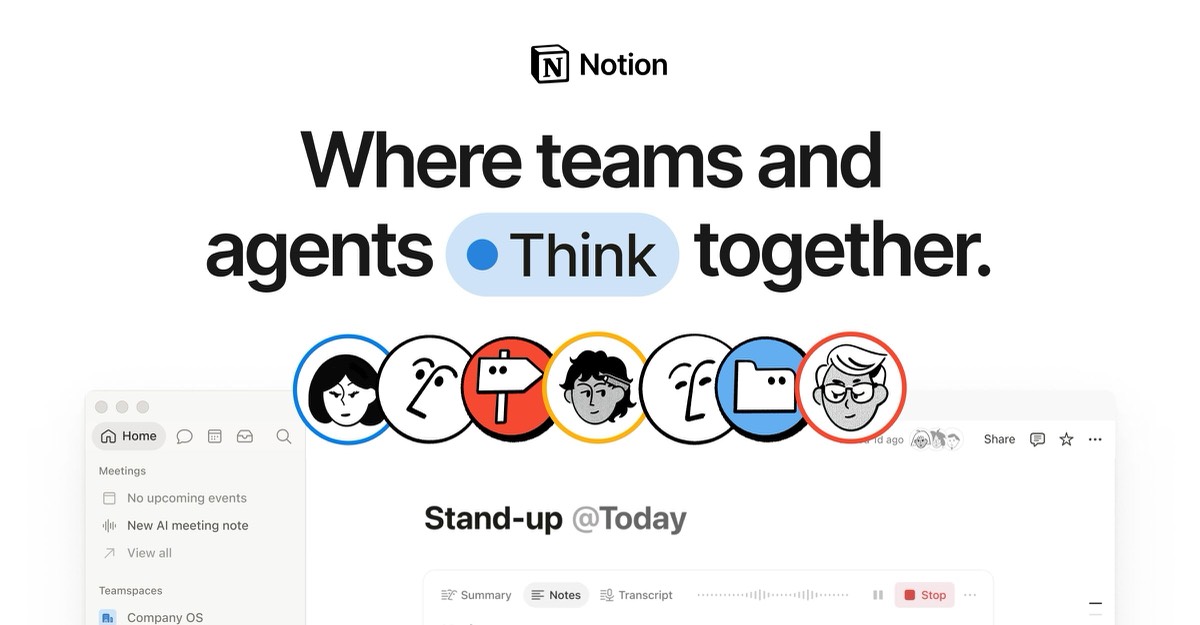
ClickUp vs Notion at a glance
| ClickUp | Notion | |
|---|---|---|
| Core idea | All-in-one project management | All-in-one docs and knowledge workspace |
| Free plan | Free Forever: 60 MB, 100 automation actions | Free for individuals |
| Entry paid plan | Core $9/user (annual) | Plus $10/seat (monthly price) |
| Next tier | Business $17/user (annual) | Business $20/seat (monthly price) |
| Strength | Tasks, views, dashboards, automation | Docs, wikis, flexible databases |
| Best for | Teams running projects and workflows | Teams documenting and planning |
Pricing compared
Free plans
ClickUp's Free Forever plan supports team use with limits on storage (60 MB) and automation (100 actions a month, up to 5 active rules). Notion's free plan is unlimited for one person but limited for workspaces with 2 or more members, with 5 MB file uploads and 7-day page history. For a team, ClickUp's free plan goes further; for a solo user writing and planning, Notion's is excellent.
Entry paid plans
ClickUp Core costs $9 per user on annual billing, against a regular price of $12. Notion Plus costs $10 per seat at its monthly price, and yearly billing saves up to 20%, bringing it to about $8. On yearly billing, the two are within a dollar of each other.
Upper tiers
ClickUp Business costs $17 per user on annual billing ($25 regular) and adds advanced automation, dashboards and time tracking features. Notion Business costs $20 per seat (monthly price) and adds features for larger organizations.
What a real team pays per month
| Users | ClickUp Core (annual) | ClickUp Business (annual) | Notion Plus (monthly price) | Notion Business (monthly price) |
|---|---|---|---|---|
| 3 | $27 | $51 | $30 | $60 |
| 5 | $45 | $85 | $50 | $100 |
| 10 | $90 | $170 | $100 | $200 |
| 25 | $225 | $425 | $250 | $500 |
3-year cost for a growing team
A team of 5 that doubles each year:
| Year (users) | ClickUp Core (annual) | Notion Plus (monthly price) | Notion Plus (yearly, up to 20% off) |
|---|---|---|---|
| Year 1 (5) | $540 | $600 | from $480 |
| Year 2 (10) | $1,080 | $1,200 | from $960 |
| Year 3 (20) | $2,160 | $2,400 | from $1,920 |
| Total | $3,780 | $4,200 | from $3,360 |
Price isn't what separates these tools; purpose is.
How each tool organizes work
ClickUp organizes work as a hierarchy: Workspace, Spaces, Folders, Lists and Tasks. Each task has assignees, due dates, priorities, custom fields and subtasks, and you can view the same tasks as a list, board, calendar, Gantt chart or workload view. Dashboards report on progress across projects.
Notion organizes work as pages. Any page can contain text, images, embeds and databases, and databases can be shown as tables, boards, calendars or timelines. It's a blank canvas: you build the structure you want, which is powerful for documentation and flexible planning, and requires more setup for disciplined project management.
Features that decide the choice
| If you need… | Better choice | Why |
|---|---|---|
| Assignees, due dates and dependencies at scale | ClickUp | Built for task management |
| Workload and time tracking | ClickUp | Native features |
| Dashboards across projects | ClickUp | Native dashboards |
| A company wiki and documentation | Notion | Docs-first design |
| Flexible pages mixing text and data | Notion | Blocks and databases |
| A free plan for a small team | ClickUp | Free Forever supports teams |
| A free plan for one person | Notion | Unlimited blocks for individuals |
Ease of use
Notion feels simple at first: a blank page you can write on. Its learning curve comes later, when you design databases and relations. ClickUp shows more options from the start, which some new users find busy, but its structure means less design work to run projects. Teams that want a ready-made project system usually adopt ClickUp faster; teams that enjoy shaping their own system usually prefer Notion.
Three real-world scenarios
A 6-person agency managing client projects
Tasks, deadlines, time tracking and client status reports: ClickUp Core at $54 a month (annual) or Business at $102 covers it. Notion could work but would need more setup to track time and workload.
A 12-person startup building its knowledge base
Onboarding docs, product specs, meeting notes and a roadmap: Notion Plus at $120 a month (monthly price) is the natural fit. A simple roadmap database covers light project tracking.
A 20-person company wanting both
Many teams use ClickUp for execution and Notion for documentation. ClickUp also has Docs, and Notion has project databases, so try running everything in one tool for a month before paying for both.
Try ClickUp Free Forever → Free plan for teams, no credit card · Affiliate link
Hidden costs to watch
- ClickUp storage: 60 MB on Free Forever fills quickly with attachments.
- ClickUp automation: 100 actions a month on Free.
- Notion's team limits on Free: limited blocks for 2+ members.
- AI features: Notion's dashboards, Workers and Custom Agents use credits; ClickUp's AI may be an add-on.
- Paying for both tools: decide which one is your system of record.
Alternatives worth comparing
| Tool | Entry price | Why consider it |
|---|---|---|
| Asana | Starter $10.99/user (annual) | Structured projects and goals |
| monday.com | Basic $9/seat (annual, 3-seat minimum) | Visual workflows |
| Airtable | Team $20/editor (annual) | Relational databases |
See ClickUp pricing, Notion pricing, Airtable vs Notion, ClickUp vs monday.com and ClickUp alternatives.
How to choose in 5 steps
- Decide what the tool is for: running projects, or capturing knowledge.
- Count users and check which free plan fits.
- List must-have features: time tracking, dashboards, wiki, docs.
- Run one real project in ClickUp and write one real wiki section in Notion.
- Choose one system of record and connect the other only if needed.
Terms explained
- Space and List: ClickUp's containers for projects and tasks.
- Block: a unit of content in Notion, such as a paragraph or database.
- Database: a structured collection of pages with properties in Notion.
- Workload view: a ClickUp view showing how much work each person has.
- System of record: the one tool your team treats as the source of truth.
Our verdict
ClickUp is the better choice for project management: Core at $9 per user includes multiple views, dashboards and automation, and its free plan supports small teams. Notion is the better choice for documentation and knowledge, at $10 per seat or less on yearly billing. If you must pick one tool for a small team that runs projects, choose ClickUp; if your team writes more than it executes, choose Notion.
How we compiled this page
We compared ClickUp's and Notion's official pricing pages on October 29, 2026. ClickUp prices use annual billing, with the regular price shown by ClickUp; Notion prices are monthly prices, with up to 20% off yearly. See also our best project management software for small teams.
FAQ
Is ClickUp cheaper than Notion?
Slightly: ClickUp Core costs $9 per user on annual billing versus $10 for Notion Plus at its monthly price. On yearly billing, Notion Plus can cost about $8.
Can Notion replace ClickUp?
For light project tracking, yes. For teams that need workload views, time tracking and dashboards, ClickUp is stronger.
Can ClickUp replace Notion?
ClickUp Docs cover basic documentation, but Notion is better for a large, well-structured wiki.
Which has a better free plan?
ClickUp for teams; Notion for individuals.
Should I use ClickUp and Notion together?
Some teams do, with ClickUp for execution and Notion for knowledge. Start with one and add the other only if a clear need appears.
Sources
clickup.com/pricing and notion.com/pricing, checked October 29, 2026.
Related
- 5 Best ClickUp Alternatives in 2027 (Simpler & Free)
- ClickUp vs Asana (2027): Prices, Limits & Verdict
- ClickUp vs monday.com (2027): Prices, Limits & Verdict
- Notion Pricing 2027: Free vs Plus vs Business Explained
- ClickUp Pricing 2027: Free, Core, Business & Real Team Costs