


Home › Software › Trello › Pricing
Last updated: October 29, 2026
TechCurato is reader-supported. Some links are affiliate links: we may earn a commission at no extra cost to you. Learn more.
Trello Pricing 2027: Free, Standard, Premium and What Teams Really Pay
Trello is free for up to 10 collaborators per Workspace, then costs $5 per user per month on Standard, $10 on Premium and $17.50 on Enterprise with annual billing ($6 and $12.50 billed monthly for Standard and Premium). It is the cheapest paid project-management tool in our comparisons: a 10-person team pays $50 a month on Standard, versus $90 on ClickUp Core or monday.com Basic.
- Free: up to 10 boards and 10 collaborators per Workspace, 250 Workspace command runs a month.
- Standard: $5/user/month (annual), $6 monthly.
- Premium: $10/user/month (annual), $12.50 monthly.
- Enterprise: $17.50/user/month on annual billing ($210 per user per year).
- 10 users on Standard: $50/month.
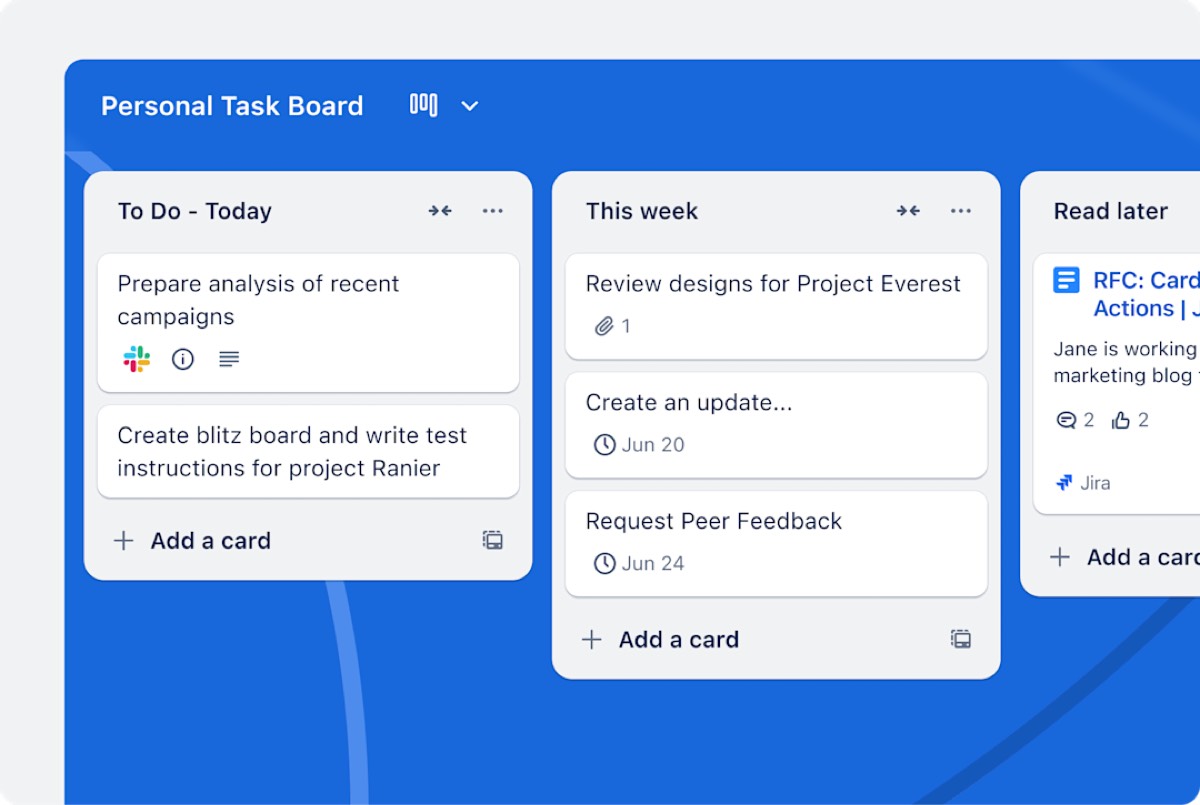
Trello plans compared
| Plan | Annual billing | Monthly billing | Annual saving per user/year | Who it's for |
|---|---|---|---|---|
| Free | $0 | $0 | — | Individuals and small teams with few boards |
| Standard | $5 | $6 | $12 | Small teams that outgrow 10 boards |
| Premium | $10 | $12.50 | $30 | Teams that want more views and admin |
| Enterprise | $17.50 | Not listed | — | Large organizations |
What the free plan includes
- Up to 10 boards per Workspace.
- Up to 10 collaborators per Workspace.
- 250 Workspace command runs a month for automation.
Those limits suit a freelancer or a small team with a few active projects. The first limit most teams hit is the number of boards; the second is collaborators.
What a real team pays
| Users | Standard (annual) | Premium (annual) | Enterprise (annual) |
|---|---|---|---|
| 5 | $25/month | $50/month | $87.50/month |
| 10 | $50/month | $100/month | $175/month |
| 25 | $125/month | $250/month | $437.50/month |
| 50 | $250/month | $500/month | $875/month |
| 10, per year | $600 | $1,200 | $2,100 |
Annual or monthly billing?
Annual billing saves $1 per user per month on Standard (17%) and $2.50 on Premium (20%). For 10 users on Premium, that is $300 a year.
Trello vs other project tools on price
| Tool | Entry paid plan (annual) | 10 users/month | Free plan |
|---|---|---|---|
| Trello | Standard $5 | $50 | 10 boards, 10 collaborators |
| ClickUp | Core $9 | $90 | Free Forever (60 MB, 100 automations) |
| monday.com | Basic $9 (3-seat minimum) | $90 | 2 seats, 3 boards |
| Asana | Starter $10.99 | $109.90 | 2 users |
| Notion | Plus $10 (monthly price) | $100 | Individuals |
Trello is the cheapest way to give a whole team shared boards. What you give up is depth: reporting, advanced automation and complex project views are stronger in ClickUp, monday.com and Asana.
3-year cost for a growing team
A team that starts with 5 people and doubles each year, on annual billing:
| Year (users) | Trello Standard | Trello Premium | ClickUp Core |
|---|---|---|---|
| Year 1 (5) | $300 | $600 | $540 |
| Year 2 (10) | $600 | $1,200 | $1,080 |
| Year 3 (20) | $1,200 | $2,400 | $2,160 |
| Total | $2,100 | $4,200 | $3,780 |
Trello Standard is the cheapest option over three years; Trello Premium costs slightly more than ClickUp Core.
Three real-world scenarios
A freelancer managing a dozen clients
One board per client quickly passes the free plan's 10-board limit. Standard for one user costs $5 a month on annual billing, $60 a year.
A 6-person marketing team
A content calendar, campaign boards and a requests board fit on Standard: $30 a month, $360 a year. If the team wants timelines and dashboards, compare Trello Premium ($60 a month) with ClickUp Core ($54 a month) before upgrading.
A 30-person company standardizing on one tool
Trello Standard costs $150 a month and Premium $300. At this size, admin controls and reporting matter more; compare Trello Premium and Enterprise with monday.com and Asana on the features your managers need.
Which plan should you choose?
- Free if you have up to 10 boards and 10 collaborators.
- Standard for most small teams that need more boards: the best value in project management.
- Premium if you need more views, more automation or admin features, but compare it with ClickUp Core first.
- Enterprise only for larger organizations with security and admin requirements.
Compare with ClickUp free → Free Forever plan, more features per dollar · Affiliate link
Hidden costs to watch
- Board and collaborator caps on the free plan arrive quickly in a growing team.
- Automation runs: 250 Workspace command runs a month on Free.
- Premium's jump: it doubles the price of Standard; make sure you need its features.
- Monthly billing: costs 17–20% more.
How to pay less for Trello
- Archive old boards to stay within the free plan's 10-board limit.
- Choose annual billing.
- Upgrade only the Workspace that needs paid features.
- Remove inactive members before renewal.
Questions to ask before you buy
- How many active boards will you need in 12 months?
- How many people collaborate, including clients?
- Do you need timelines, dashboards or advanced automation, or are boards enough?
- Will managers need reports that Trello's plan doesn't include?
Trello terms explained
- Board: a project view with lists and cards.
- Card: a task or item on a board.
- Workspace: your team's space; free-plan limits apply per Workspace.
- Command run: one execution of a Trello automation.
- Collaborator: a person with access to your Workspace.
When Trello stops being the cheapest choice
Trello's seat price is the lowest in project management, but total cost depends on what you add around it. Teams often discover three limits:
- Reporting. If managers need workload or progress dashboards every week, they either upgrade to Premium ($10 per user) or rebuild reports in spreadsheets, which costs time.
- Automation volume. Busy boards with many rules use command runs quickly; Free includes 250 a month per Workspace.
- Complex projects. Dependencies, multiple views of the same work and portfolio tracking are core features in ClickUp, monday.com and Asana; on Trello they need higher plans or add-ons.
For a 10-person team, the difference between Trello Standard ($50 a month) and ClickUp Core ($90 a month) is $480 a year. If ClickUp's extra features save each person even 15 minutes a week, the more expensive tool is cheaper in practice. If your team is happy with cards and lists, Trello Standard is simply the best deal available.
How Trello compares on free plans
| Tool | Free plan limit | Best free use |
|---|---|---|
| Trello | 10 boards, 10 collaborators per Workspace | Small teams with a few active projects |
| ClickUp | Free Forever: 60 MB storage, 100 automations | Individuals who want many features |
| monday.com | 2 seats, 3 boards | Two-person teams |
| Asana | Up to 2 users | Pairs planning shared work |
Trello's free plan is the most generous for team size: 10 collaborators versus 2 on monday.com and Asana. See our full ranking of free project management software for limits in detail.
Moving to or from Trello
Trello boards export to JSON on paid plans and to CSV on Premium, and most project tools import Trello boards directly. Before switching, archive finished boards, tidy labels and make sure every card has an owner; a clean board migrates in minutes, a messy one takes days.
Our verdict
Trello is the best-value tool for teams that work in simple boards: free for small use, $5 per user on Standard, and easy for anyone to learn. Choose it when boards are enough. When your team needs reporting, complex views and heavy automation, the extra $4 per user for ClickUp Core or monday.com Basic buys a lot more capability.
How we compiled this page
Prices and plan limits come from Trello's official pricing page, checked October 29, 2026; competitor prices come from their official pages on the same date. See also ClickUp pricing, Asana pricing and best free project management software.
FAQ
How much does Trello cost?
$5 per user per month on Standard, $10 on Premium and $17.50 on Enterprise with annual billing; $6 and $12.50 monthly for Standard and Premium.
Is Trello free?
Yes, for up to 10 boards and 10 collaborators per Workspace.
Is Trello cheaper than Asana?
Yes: $5 per user on Trello Standard versus $10.99 on Asana Starter, both on annual billing.
What does Trello Premium add?
Premium is Trello's step up for teams that need more views, automation and administration; it costs $10 per user on annual billing.
Is Trello good for large teams?
It works, but larger teams often need reporting and admin controls found in Trello's higher plans or in tools such as monday.com and Asana.
Sources
trello.com/pricing, clickup.com/pricing, monday.com/pricing, asana.com/pricing and notion.com/pricing, checked October 29, 2026.
Related
- monday.com vs Trello (2027): Prices, Limits & Which to Pick
- Trello vs Asana (2027): Prices, Free Plans & Which to Pick
- Trello vs ClickUp (2027): Prices, Free Plans & Which to Pick