


Home › Software › Brevo › Alternatives
Last updated: October 29, 2026
TechCurato is reader-supported. Some links on this page are affiliate links: if you sign up through them, we may earn a commission at no extra cost to you. It never changes which tools we recommend or how we rank them. Learn more.
6 Best Brevo Alternatives in 2026 (Prices & Limits Compared)
Brevo (formerly Sendinblue) is popular for one reason: it charges by emails sent, not by contacts, and its free plan lets you store a large list. That model works well until it doesn't — when you hit the free plan's 300 emails per day cap, need more advanced automation, or realise a contact-based tool would be cheaper for how often you send.
We compared six alternatives on price, sending limits, automation and who each one is really built for.
Quick answer: the best Brevo alternatives
- MailerLite — best simple, low-cost alternative. Paid plans from $12/month.
- Kit (formerly ConvertKit) — best for creators. Free for up to 10,000 subscribers.
- GetResponse — best for webinars, funnels and ecommerce automation.
- ActiveCampaign — best for advanced automation and sales follow-up.
- Mailchimp — the best-known option, with the largest integration ecosystem.
- Resend — best if you mainly use Brevo for transactional email from your app.
Brevo alternatives compared
Prices checked on October 29, 2026. Email tools price by contacts, by emails sent, or both, so read the "priced by" column first.
| Tool | Priced by | Free plan | Entry paid plan | Automation on entry plan | Best for |
|---|---|---|---|---|---|
| Brevo (reference) | Emails sent | 300 emails/day, Brevo branding | Starter: from about $9/month | Yes | — |
| MailerLite | Subscribers | 250 subscribers, 2,500 emails/month | Comfort: from $12/month | 50 active workflows | Small businesses on a budget |
| Kit | Subscribers | Up to 10,000 subscribers, no automations | Creator: $33/month at 1,000 subscribers (annual) | Unlimited visual automations | Creators and newsletters |
| GetResponse | Contacts | Limited free account after a 14-day trial | Starter: about €13/month at 1,000 contacts (annual) | 1 workflow | Webinars, funnels, ecommerce |
| ActiveCampaign | Contacts | No — 14-day trial | Starter: about $15/month at 1,000 contacts (annual) | Yes, 5 actions per automation | Advanced automation |
| Mailchimp | Contacts | 250 contacts, 500 emails/month | Essentials: $13/month (12-month intro offer) | Up to 4 flow steps | Integrations and brand recognition |
| Resend | Emails sent (transactional) | 3,000 emails/month, 100/day | Pro: $20/month for 50,000 emails | API-driven | Developers and app emails |
Why people look for a Brevo alternative
- The free plan's daily cap. 300 emails per day means a 1,000-contact list takes four days to receive one campaign on the free plan.
- Brevo branding on free-plan emails.
- Automation needs. One of the top Google results for this search is a Reddit thread from users looking for stronger automation than Brevo offers.
- Pricing fit. Paying by emails sent is cheap if you have a big list and send rarely. If you send several emails a week to a small list, a subscriber-based tool can cost less.
- Transactional vs marketing. Many developers use Brevo only for password resets and receipts. "Resend vs Brevo" gets as many searches as "brevo alternatives" — a dedicated transactional service is often the better fit.
The 6 best Brevo alternatives in detail
1.  MailerLite — best simple, low-cost alternative
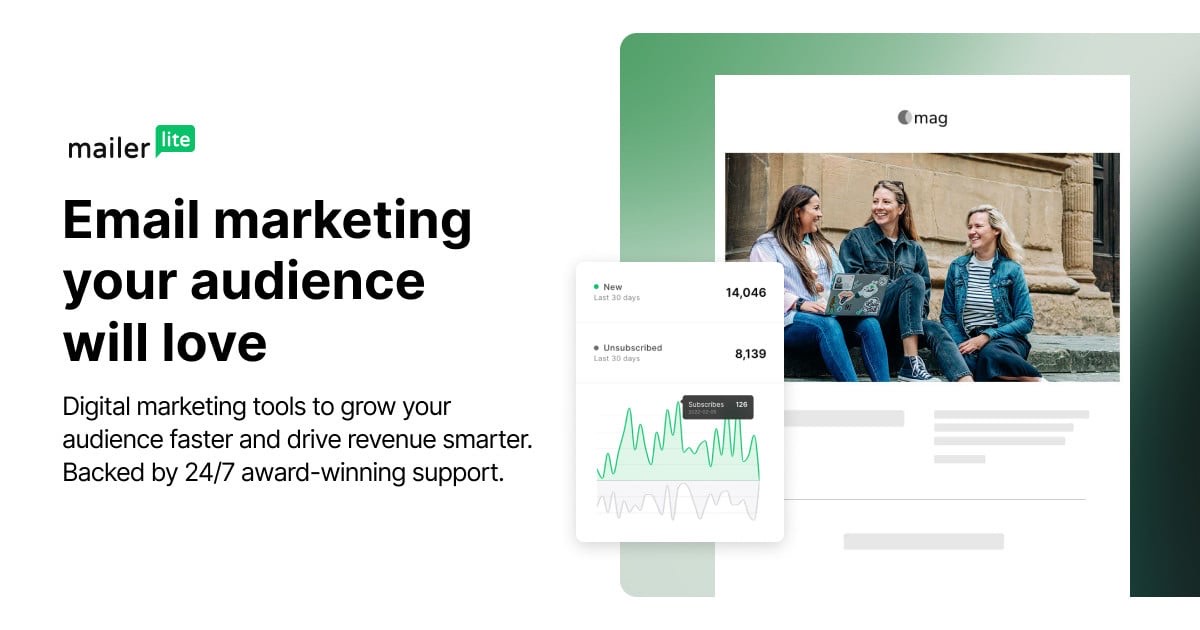
MailerLite is the tool most often compared directly with Brevo, and for good reason: it is simple, affordable, and includes landing pages, forms and automations without a steep learning curve.
Pricing: the Free plan covers 250 subscribers and 2,500 emails per month, with 3 active automations. Comfort starts at $12/month and Power at $25/month; annual billing saves 10%. Paid plans send up to 10× your subscriber tier per month (Comfort) or unlimited emails under fair use (Power).
- Pros: clean, beginner-friendly editor; 50 active automations on the entry paid plan; landing pages and forms included.
- Cons: the free plan is now limited to 250 subscribers; fewer advanced CRM features than ActiveCampaign.
Choose it if: you want Brevo's simplicity with a more polished editor and you have a small list.
2.  Kit — best for creators
Kit (formerly ConvertKit) is built for newsletter writers, coaches and course creators. Its free plan is the most generous on this list by subscriber count, and it lets you sell digital products and paid subscriptions directly.
Pricing: free for up to 10,000 subscribers, with unlimited broadcasts, landing pages and forms — but no automations. Creator costs $33/month at 1,000 subscribers on annual billing and adds unlimited visual automations and sequences. Pro is offered at a $50/month first-year promotional rate at 1,000 subscribers.
- Pros: very large free plan; built-in digital product and paid newsletter sales; strong tagging system.
- Cons: no automations on the free plan; email design options are more limited than Brevo's.
Choose it if: you run a newsletter or sell digital products.
3.  GetResponse — best for webinars and ecommerce automation

GetResponse combines email marketing with webinars, landing pages and conversion funnels. It is a strong pick for businesses that sell online and want everything from sign-up to purchase in one place.
Pricing: at 1,000 contacts, Starter costs about €13/month on annual billing (€16 monthly). Marketer, which unlocks abandoned-cart, purchase and event-based automations with unlimited workflows, costs about €44/month annually (€54 monthly). After a 14-day trial, you can keep a free account without premium features.
- Pros: webinars built in; full ecommerce automations on Marketer; unlimited workflows from Marketer upwards.
- Cons: only 1 automation workflow on Starter; the most useful features start on Marketer.
Choose it if: you sell online or run webinars.
4.  ActiveCampaign — best for advanced automation
If Brevo's automations feel limiting, ActiveCampaign is the step up. It offers 950+ automation recipes, multiple triggers, an AI automation builder and sales automation on higher plans.
Pricing: no free plan, but a 14-day trial without a credit card. At 1,000 contacts, pricing guides list Starter at about $15/month, Plus at $49 and Pro at $79 on annual billing ($19, $59 and $99 monthly). Starter allows 10,000 email sends per month and 5 actions per automation; Plus and above have unlimited actions.
- Pros: the most powerful automation builder here; A/B testing of automations on Pro; strong CRM and sales features.
- Cons: no free plan; Starter limits automations to 5 actions; costs rise quickly as your list grows.
Choose it if: automation is the main reason you're leaving Brevo.
5.  Mailchimp — best-known, with the most integrations

Mailchimp is the default name in email marketing and connects with almost every tool. It is rarely the cheapest option, but its templates, reporting and integrations are mature.
Pricing: the Free plan covers 250 contacts and 500 emails per month (250 per day). Essentials is offered at $13/month and Standard at $20/month for the first 12 months; the regular price applies after that. Essentials sends up to 10× your contact count per month, Standard 12×.
- Pros: huge integration ecosystem; mature templates and reporting; well-known brand.
- Cons: small free plan; introductory prices increase after 12 months; overage charges if you exceed your contact or send limit.
Choose it if: you need a specific integration that only Mailchimp offers.
6.  Resend — best for transactional email
If you use Brevo mainly to send password resets, receipts and notifications from your app, a developer-focused transactional service is the better tool. Resend has a clean API and good documentation, and it now offers marketing broadcasts too.
Pricing: the free plan includes 3,000 emails per month (100 per day) and 3 domains. Pro costs $20/month for 50,000 emails or $35/month for 100,000. Marketing broadcasts are priced by contacts, from $40/month for 5,000 contacts.
- Pros: developer-friendly API; transparent volume pricing; free plan good for testing and small apps.
- Cons: not built for non-technical marketers; marketing features are less complete than dedicated email tools.
Choose it if: your emails are sent by code, not by a marketer.
How to choose the right Brevo alternative
- Separate marketing and transactional email. If most of your volume comes from your app, look at Resend first.
- Compare by your sending pattern. Large list, few sends: Brevo's per-email model is hard to beat. Small list, frequent sends: subscriber-based tools like MailerLite or Kit often cost less.
- Check automation limits on the entry plan. GetResponse Starter has 1 workflow; ActiveCampaign Starter allows 5 actions per automation; MailerLite's entry plan allows 50 workflows.
- Plan the move. Export your contacts with their consent status, and warm up your new sending domain gradually to protect deliverability.
FAQ
Is there a free alternative to Brevo?
Yes. Kit is free for up to 10,000 subscribers (without automations), MailerLite is free for 250 subscribers, and Mailchimp is free for 250 contacts. For transactional email, Resend's free plan covers 3,000 emails per month.
Is Brevo the same as Sendinblue?
Yes. Sendinblue rebranded as Brevo in 2023. The alternatives on this page apply to both names.
Is MailerLite better than Brevo?
It depends on how you send. MailerLite has a more polished editor and prices by subscribers; Brevo prices by emails sent and lets you store more contacts for free. Small lists that send often usually pay less with MailerLite.
What is the best Brevo alternative for automation?
ActiveCampaign has the most advanced automation builder. GetResponse Marketer is a strong option if you also need ecommerce or webinar features.
What is the best Brevo alternative for developers?
Resend, for transactional email sent from your application through an API.
How we compared these tools
Prices and limits were checked on October 29, 2026 on each vendor's pricing page, or in recent pricing guides where the vendor's page did not display prices. Vendors change pricing often; tell us if something is out of date.