


Home › Comparisons › Asana vs monday.com
Last updated: October 29, 2026
TechCurato is reader-supported. Some links are affiliate links: we may earn a commission at no extra cost to you. Learn more.
Asana vs monday.com (2027): Prices, Limits and Which One to Pick
Choose Asana if your team thinks in tasks, owners and deadlines: Starter costs $10.99 per user per month on annual billing and includes timelines, unlimited automations and reporting dashboards. Choose monday.com if you want flexible, visual boards you can shape into any workflow: Basic costs $9 per seat and Standard $12, with a 3-seat minimum. Both are free for 2 users, so the fairest test is to run one real project in each for a week.
- Asana: Personal free for 2 users; Starter $10.99/user (annual), $13.49 monthly; Advanced $24.99 (annual), $30.49 monthly.
- monday.com: Free for 2 seats and 3 boards; Basic $9, Standard $12, Pro $19 per seat (annual); 3-seat minimum.
- Automations: unlimited on Asana Starter; 250 a month on monday.com Standard, 25,000 on Pro.
- 10 users, mid tier: Asana Starter $109.90/month vs monday.com Standard $120/month.
- Solo user: monday.com Standard still bills 3 seats ($36/month).

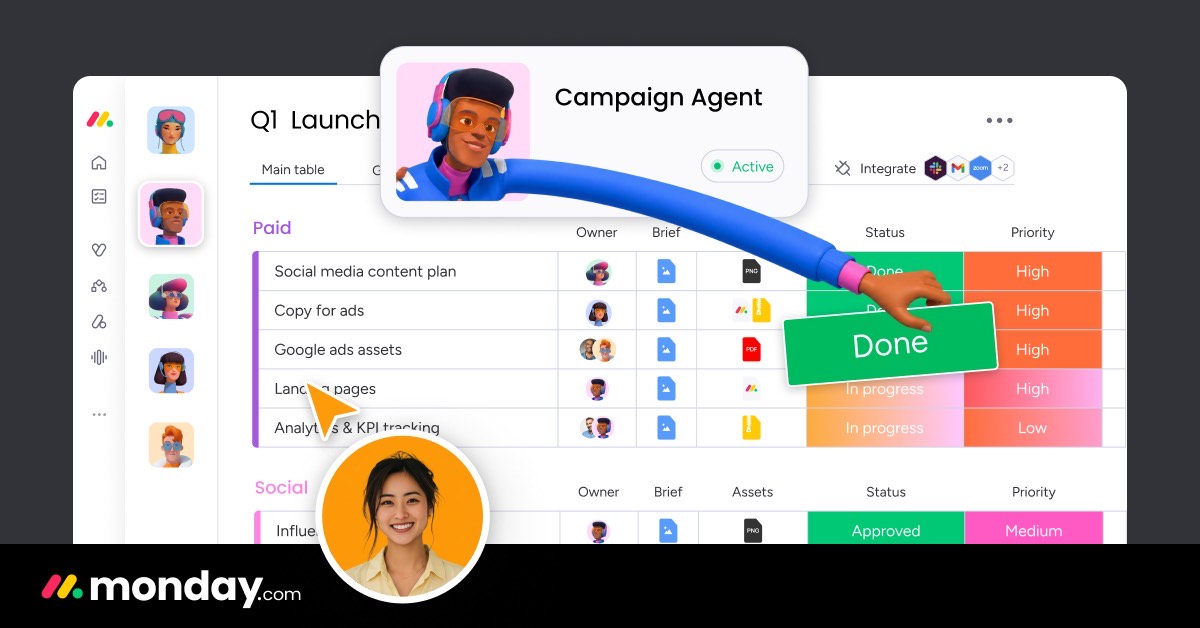
Asana vs monday.com at a glance
| Asana | monday.com | |
|---|---|---|
| Free plan | Personal: up to 2 users | Up to 2 seats, 3 boards, 3 docs |
| Entry paid plan | Starter $10.99/user (annual) | Basic $9/seat (annual) |
| Most popular plan | Starter $10.99 | Standard $12 |
| Next tier | Advanced $24.99 | Pro $19 |
| Seat minimum | None | 3 seats |
| Automations on mid tier | Unlimited (Starter) | 250/month (Standard) |
| Best for | Task ownership, deadlines, cross-team projects | Visual, customizable workflows |
Pricing compared
Entry plans
monday.com Basic at $9 per seat looks cheaper than Asana Starter at $10.99, but Basic is a simple plan: it doesn't list automations or integrations. Most teams that choose monday.com end up on Standard ($12) or Pro ($19). Asana Starter already includes timeline and Gantt views, unlimited automations and reporting dashboards.
Mid tiers
The fair comparison is Asana Starter ($10.99) against monday.com Standard ($12). Asana is about 8% cheaper per user and has no seat minimum.
Upper tiers
Asana Advanced ($24.99) adds portfolios, goals, resource management, approvals and proofing. monday.com Pro ($19) adds time tracking, private boards and 25,000 automation actions a month. For heavy automation, monday.com Pro is the cheaper upper tier.
What a real team pays per month
| Users | Asana Starter | Asana Advanced | monday.com Standard | monday.com Pro |
|---|---|---|---|---|
| 1 | $10.99 | $24.99 | $36 (3-seat minimum) | $57 (3-seat minimum) |
| 3 | $32.97 | $74.97 | $36 | $57 |
| 5 | $54.95 | $124.95 | $60 | $95 |
| 10 | $109.90 | $249.90 | $120 | $190 |
| 25 | $274.75 | $624.75 | $300 | $475 |
monday.com sells seats in buckets on its pricing page, so a 4-person team may pay for 5 seats. Check the seat options before you buy.
3-year cost for a growing team
A team of 5 that doubles each year, on annual billing:
| Year (users) | Asana Starter | monday.com Standard | monday.com Pro |
|---|---|---|---|
| Year 1 (5) | $659.40 | $720 | $1,140 |
| Year 2 (10) | $1,318.80 | $1,440 | $2,280 |
| Year 3 (20) | $2,637.60 | $2,880 | $4,560 |
| Total | $4,615.80 | $5,040 | $7,980 |
Over three years, Asana Starter costs about $424 less than monday.com Standard for the same team.
Features that decide the choice
| If you need… | Better choice | Why |
|---|---|---|
| Many automations at mid-tier price | Asana | Unlimited on Starter vs 250/month on monday.com Standard |
| Very flexible boards for any process | monday.com | Columns and views adapt to almost any workflow |
| A solo or two-person paid plan | Asana | No 3-seat minimum |
| Goals and portfolios across teams | Asana | Advanced plan |
| Sales CRM in the same platform | monday.com | monday CRM from €12 per seat |
| Time tracking without add-ons | monday.com | Included on Pro |
Ease of use
Both tools are easy to learn. Asana feels like a well-organized to-do list for teams: every task has one owner and a due date, which keeps accountability clear. monday.com feels like a colorful spreadsheet: you design boards with columns for status, owner, dates or numbers, which makes it adaptable to operations, sales or client work. Teams that like structure often prefer Asana; teams that like to design their own process often prefer monday.com.
Three real-world scenarios
A 4-person marketing agency
Client work, approvals and deadlines. Asana Starter costs $43.96 a month. monday.com Standard requires at least 3 seats and may bill 5 for a team of 4. Asana is cheaper here, and its timeline view helps plan campaigns.
A 12-person operations team running many workflows
Requests, inventory, onboarding and vendor tracking, each with a different structure. monday.com's flexible boards fit better. Standard costs about $144 a month; if the team automates heavily, Pro's 25,000 actions at about $228 a month may be worth it.
A 30-person company aligning teams on goals
Asana Advanced at $749.70 a month adds goals and portfolios that connect daily work to company objectives. monday.com Pro ($570 a month) is cheaper but has no direct equivalent to Asana's goals.
Try monday.com free → Free for 2 seats, no credit card · Affiliate link
Hidden costs to watch
- monday.com's 3-seat minimum on all paid plans.
- Seat buckets on monday.com can make you pay for unused seats.
- Automation limits on monday.com Standard (250 a month).
- Monthly billing costs about 19% more on Asana and more on monday.com.
- AI features may use credits or add-ons on both platforms.
Alternatives worth comparing
| Tool | Entry price (annual) | Why consider it |
|---|---|---|
| ClickUp | Core $9/user | Many features per dollar |
| Trello | Standard $5/user | Cheapest for simple boards |
| Notion | Plus $10/seat (monthly price) | Docs and tasks together |
See ClickUp vs monday.com, ClickUp vs Asana and Trello vs Asana.
How to choose in 5 steps
- List your workflows: are they mostly projects with deadlines, or processes with custom fields?
- Count users and check monday.com's seat buckets for your team size.
- Count automations you'd run each month.
- Run the same project in both free plans for one week.
- Ask the team which tool they opened without being reminded.
Terms explained
- Seat: a paid user licence; monday.com requires at least 3.
- Automation action: one execution of an automated rule.
- Timeline or Gantt view: a calendar-style view of tasks and dependencies.
- Portfolio: a view of several projects at once (Asana Advanced).
Integrations and AI
Both tools connect with Slack, Google Workspace, Microsoft Teams and hundreds of other apps, and both work with Zapier and Make for anything not built in. On AI, both have added assistants that summarize work, draft updates and suggest next steps; on both platforms, heavier AI use may consume credits or require higher plans, so check the AI terms of the plan you choose rather than relying on the headline price.
Our verdict
For most small teams, Asana is the better value: Starter at $10.99 per user includes unlimited automations, timelines and dashboards, with no seat minimum. monday.com is the better choice when flexibility matters more than structure, especially for operations teams that run many different workflows, or when you want CRM and project management in one platform. If you're between the two, run a week-long trial with real work: the tool your team keeps using wins.
How we compiled this page
We compared both official pricing pages on October 29, 2026, using annual billing, and calculated costs for real team sizes including monday.com's 3-seat minimum. See Asana pricing and monday.com pricing.
FAQ
Is Asana cheaper than monday.com?
At mid tier, yes: Asana Starter costs $10.99 per user versus $12 for monday.com Standard, and Asana has no 3-seat minimum. monday.com Basic ($9) is cheaper but more limited.
Is monday.com better than Asana?
monday.com is better for flexible, custom workflows; Asana is better for task ownership and deadlines.
Do Asana and monday.com have free plans?
Yes. Asana is free for up to 2 users; monday.com is free for up to 2 seats and 3 boards.
Which has better automation?
Asana Starter includes unlimited automations. monday.com Standard includes 250 a month and Pro 25,000.
Can I switch from Asana to monday.com?
Yes. Both import CSV files, and monday.com offers importers for common tools. Clean up projects before migrating.
Which is better for agencies?
Agencies with fewer than five people usually save money on Asana because it has no seat minimum. Larger agencies that manage many client workflows, or want CRM in the same tool, often prefer monday.com's flexible boards. Trial both with a real client project.
Sources
asana.com/pricing and monday.com/pricing, checked October 29, 2026.
Related
- Asana Pricing 2027: Plans, Real Costs & Free Limit
- ClickUp vs Asana (2027): Prices, Limits & Verdict
- 5 Best monday.com Alternatives in 2027 (Cheaper & Free)
- monday.com Pricing 2027: Every Plan & What You'll Really Pay
- ClickUp vs monday.com (2027): Prices, Limits & Verdict