


Home › Comparisons › ClickUp vs monday.com
Last updated: October 29, 2026
TechCurato is reader-supported. Some links on this page are affiliate links: if you sign up through them, we may earn a commission at no extra cost to you. It never changes which tools we recommend or how we rank them. Learn more.
monday.com vs ClickUp (2026): Which One Should Your Team Choose?
Short answer: choose monday.com if you want a tool your whole team adopts in a day, especially for client work and operations. Choose ClickUp if you want the most features and automations for the money, and don't mind a steeper learning curve.
Below, we compare both on price for real team sizes, automation limits, free plans and the use cases where each one wins.

At a glance
| monday.com | ClickUp | |
|---|---|---|
| Free plan | Up to 2 seats, 3 boards, 3 docs | Free Forever: 60 MB storage, 100 automation actions/month |
| Entry paid plan (annual) | Basic: $9/seat, 3-seat minimum | Core: $9/user |
| Mid-tier plan (annual) | Standard: $12/seat · Pro: $19/seat | Business: $17/user |
| Automations per month | Standard: 250 · Pro: 25,000 | Core: 1,000 · Business: 10,000 |
| Learning curve | Low | Medium to high |
| Built-in docs, chat, whiteboards | Docs (limited on Free) | Docs, chat, whiteboards, goals |
| Best for | Agencies, operations, non-technical teams | Product and software teams, budget-conscious teams |
Pricing: what a real team pays
Both tools charge per user per month. These are annual-billing prices checked on October 29, 2026.
| Team size | monday.com Standard | monday.com Pro | ClickUp Core | ClickUp Business |
|---|---|---|---|---|
| 3 users | $36/month | $57/month | $27/month | $51/month |
| 5 users | $60/month | $95/month | $45/month | $85/month |
| 10 users | $120/month | $190/month | $90/month | $170/month |
Watch the automation limits. At similar prices, ClickUp includes far more automations on its lower tiers: 1,000 per month on Core versus 250 on monday.com Standard. If you automate heavily, monday.com usually means paying for Pro.
Small teams: monday.com's paid plans have a 3-seat minimum, so a solo user or a pair pays for 3 seats. ClickUp has no such minimum.
Ease of use
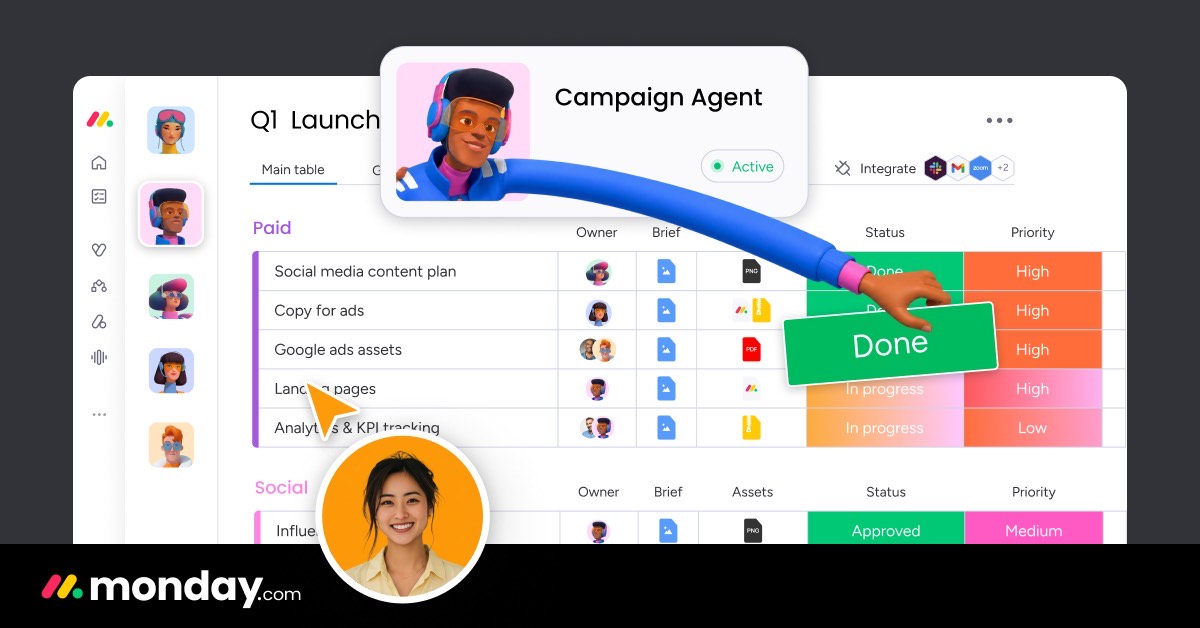
monday.com is the easier tool to roll out. Its colorful boards look like a smarter spreadsheet, and most people understand them without training. That matters if your team includes clients, sales or operations people who won't read documentation.
ClickUp is more powerful but denser. It has more views, more settings and more places to put things. Teams that invest a few days in setting it up get a lot out of it; teams that don't can find it overwhelming.
Winner: monday.com.
Features
- Views: both offer list, board (kanban), table, timeline/Gantt and calendar views.
- Docs and collaboration: ClickUp goes further, with docs, chat, whiteboards, goals and email inside the tool. monday.com focuses on boards and docs.
- Automations: both have no-code automation builders. ClickUp's limits are more generous at each price point; monday.com's builder is simpler.
- Integrations: both connect with the main tools (Google Workspace, Slack, Microsoft). ClickUp Business adds webhooks and automation integrations.
- AI: ClickUp includes pooled AI credits per user on paid plans (1,000 on Core, 1,500 on Business).
- Beyond projects: monday.com offers separate CRM, dev and service products on the same platform, which helps if you want sales and delivery in one place.
Winner: ClickUp, for breadth of features at each price.
Free plans compared
- monday.com Free: up to 2 seats, 3 boards and 3 docs. Good for trying the tool, too tight for real work.
- ClickUp Free Forever: 60 MB of storage, 100 automation actions per month and up to 5 active automation rules. More usable day to day, but storage runs out quickly with attachments.
Winner: ClickUp.
Which one should you choose?
| If you are… | Choose | Why |
|---|---|---|
| An agency managing client projects | monday.com | Fast adoption, clean boards you can share with clients |
| A software or product team | ClickUp | Docs, sprints and tasks in one place; more automations per dollar |
| A small business with non-technical staff | monday.com | Lowest learning curve |
| A solo user or a team of 2 | ClickUp | No 3-seat minimum, more useful free plan |
| A team that automates a lot | ClickUp Business, or monday.com Pro | 10,000 automations for $17/user vs 25,000 for $19/user |
| A company that wants CRM and projects together | monday.com | monday CRM runs on the same platform |
Try monday.com free Try ClickUp free
Neither one quite right? See our guide to the best Airtable alternatives for database-style tools like SmartSuite, NocoDB and Baserow.
FAQ
Is ClickUp cheaper than monday.com?
Usually, yes. ClickUp Core and monday.com Basic both cost $9 per user per month on annual billing, but ClickUp has no 3-seat minimum and includes more automations at each tier.
Is monday.com easier to use than ClickUp?
Yes. monday.com's boards are simpler and most teams adopt them without training. ClickUp offers more features but takes longer to set up.
Can I use monday.com or ClickUp for free?
Both have free plans. monday.com Free supports up to 2 seats and 3 boards. ClickUp Free Forever includes 60 MB of storage and 100 automation actions per month.
Which is better for agencies, monday.com or ClickUp?
monday.com is usually the better fit for agencies, because clients and non-technical staff adopt it easily. Agencies with technical teams and complex processes often prefer ClickUp's depth.
Can I migrate from ClickUp to monday.com (or the other way)?
Yes. Both tools import from CSV and Excel files, so you can export your boards or lists from one and import them into the other. Plan to rebuild automations manually.
How we compared these tools
Prices and limits were checked on October 29, 2026 on both vendors' official pricing pages. Vendors change pricing often; tell us if something is out of date.