


Home › Software › ClickUp › Alternatives
Last updated: October 29, 2026
TechCurato is reader-supported. Some links are affiliate links: we may earn a commission at no extra cost to you. It never changes our rankings. Learn more.
5 Best ClickUp Alternatives in 2027 (Simpler & Free)
ClickUp packs tasks, docs, chat, whiteboards and goals into one tool for $9 per user. That breadth is also its main complaint: small teams often find it overwhelming. If you want something simpler, more visual or more specialized, these alternatives fit better.
monday.com has the lowest learning curve in project management, at the same $9 per seat on Basic, with a free plan for 2 seats.
Try monday.com free → Free plan
Quick answer: the best ClickUp alternatives
- monday.com — best for project and workflow management.
- Asana — best for structured team projects and goals.
- Trello — best for simple kanban boards.
- Notion — best for docs, wikis and light databases.
- Airtable — best for flexible relational databases.
ClickUp alternatives compared
Prices checked on October 29, 2026 on each vendor's pricing page.
| Tool | Free plan | Entry paid plan | Trial | Best for |
|---|---|---|---|---|
| monday.com | Up to 2 seats, 3 boards | Basic $9/seat/month (annual, 3-seat minimum) | Free plan | Project and workflow management |
| Asana | Personal plan free for 2 users | Starter $10.99/user/month (annual), $13.49 monthly | Free plan | Structured team projects and goals |
| Trello | 10 boards and 10 collaborators per Workspace | Standard $5/user/month (annual), $6 monthly | Free plan | Simple kanban boards |
| Notion | Free for individuals | Plus $10/seat/month (monthly) | Free plan | Docs, wikis and light databases |
| Airtable | 1,000 records per base, 100 automation runs/month | Team $20/editor/month (annual), $24 monthly | Free plan | Flexible relational databases |
Why people switch from ClickUp
- Steep learning curve and many settings.
- Free plan storage limited to 60 MB.
- Teams often use a fraction of the features.
- Some prefer a dedicated docs or database tool.
The 5 best ClickUp alternatives in detail
1.  monday.com — best for project and workflow management
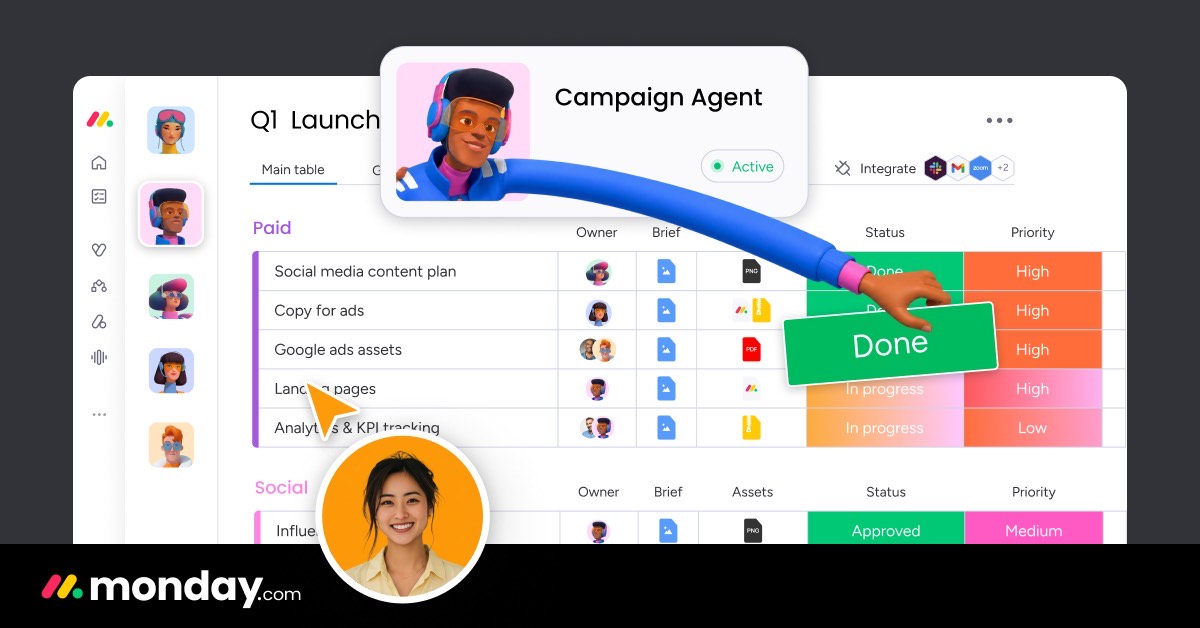
Pricing: Basic $9/seat/month (annual, 3-seat minimum). Free option: Up to 2 seats, 3 boards. Official pricing.
- Pros:
- Lowest learning curve
- Unlimited items on paid plans
- CRM and dev products on the same platform
- Cons:
- 3-seat minimum
- Only 250 automations/month on Standard
Choose it if: you want a visual tool your team adopts in a day.
Try monday.com free → Free plan
2.  Asana — best for structured team projects and goals

Pricing: Starter $10.99/user/month (annual), $13.49 monthly. Free option: Personal plan free for 2 users. Official pricing.
- Pros:
- Clean, focused task management
- Strong timelines and goals on Advanced
- Cons:
- Free plan limited to 2 users
- Advanced costs $24.99/user
Choose it if: you want focused task management.
Try Asana free → Free plan
3.  Trello — best for simple kanban boards
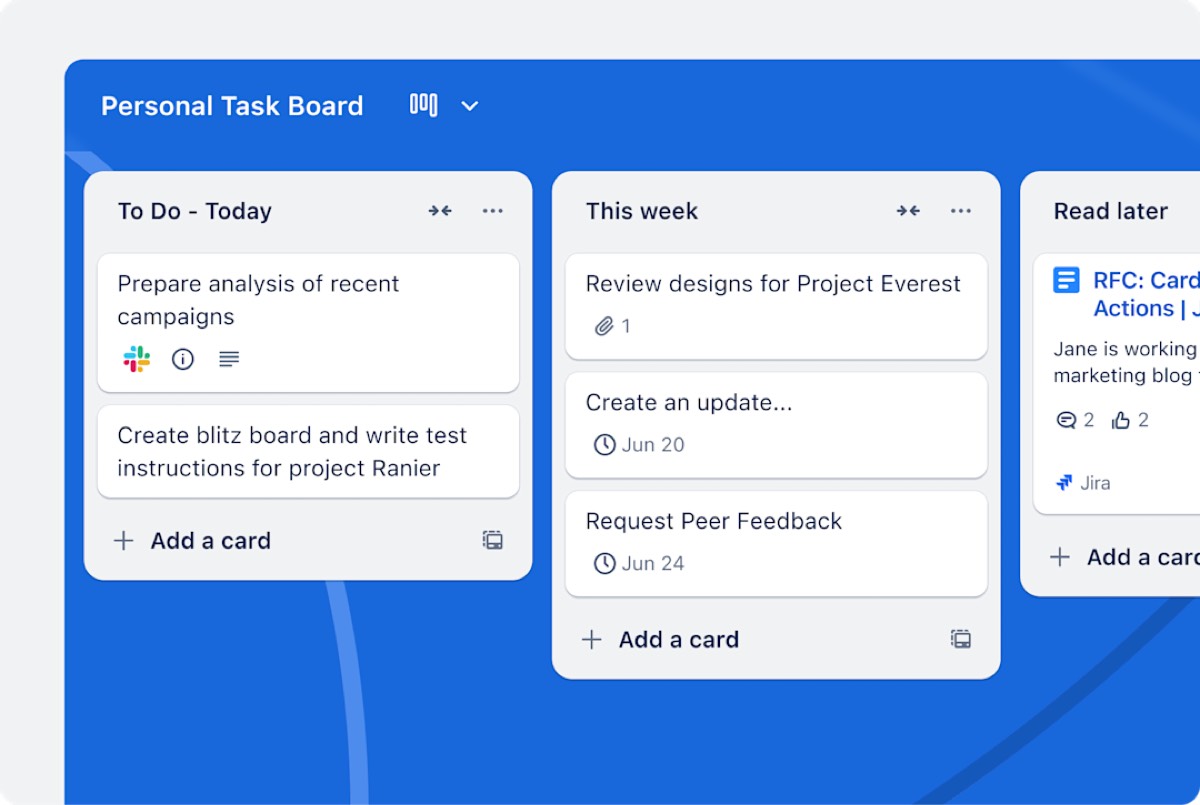
Pricing: Standard $5/user/month (annual), $6 monthly. Free option: 10 boards and 10 collaborators per Workspace. Official pricing.
- Pros:
- Cheapest paid plan here
- Very easy to learn
- Cons:
- Limited reporting
- Not built for complex projects
Choose it if: simple kanban boards are enough.
Try Trello free → Free plan
4.  Notion — best for docs, wikis and light databases
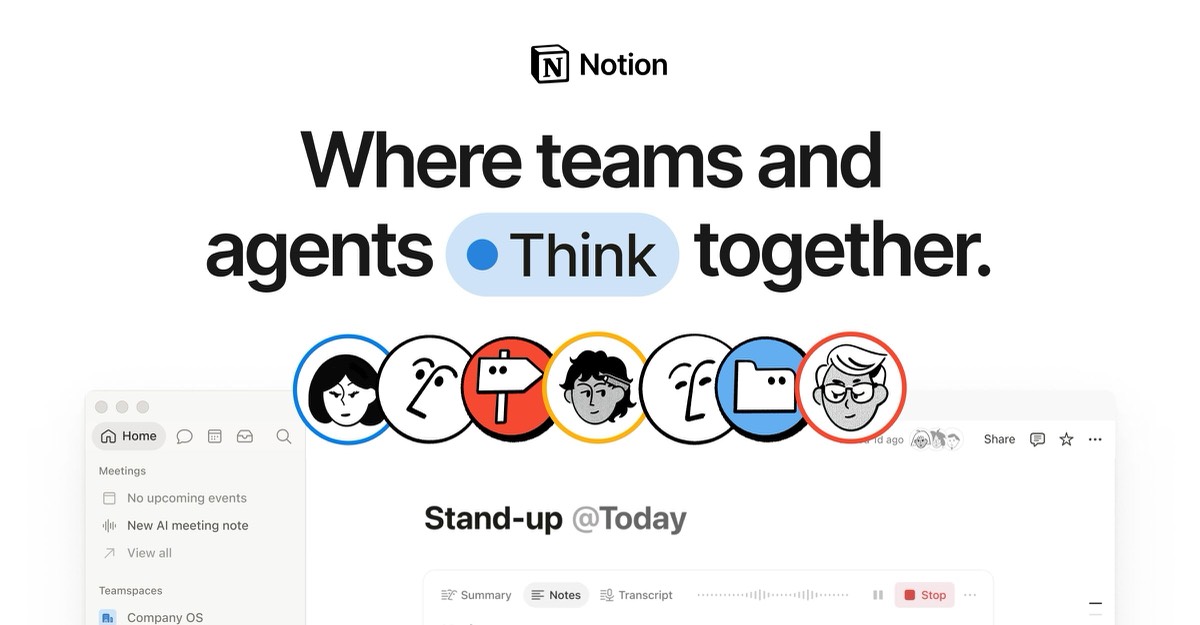
Pricing: Plus $10/seat/month (monthly). Free option: Free for individuals. Official pricing.
- Pros:
- Best writing experience
- Databases inside pages
- Huge template library
- Cons:
- Basic automations on lower plans
- Not built for large datasets
Choose it if: your team mostly writes docs.
Try Notion free → Free plan
5.  Airtable — best for flexible relational databases

Pricing: Team $20/editor/month (annual), $24 monthly. Free option: 1,000 records per base, 100 automation runs/month. Official pricing.
- Pros:
- Powerful linked records and formulas
- Large ecosystem
- Cons:
- Record limits per base
- Per-editor pricing adds up
Choose it if: you need a flexible database.
Try Airtable free → Free plan
Pick in 10 seconds
- Easiest adoption → monday.com
- Focused tasks → Asana
- Cheapest kanban → Trello
- Docs-first → Notion
FAQ
What is simpler than ClickUp?
Trello and monday.com are the simplest tools here.
Is monday.com better than ClickUp?
monday.com is easier to adopt; ClickUp offers more features per dollar.
Is there a free ClickUp alternative?
Trello, Notion and Asana (for 2 users) have free plans.
Related
- ClickUp vs Asana (2027): Prices, Limits & Verdict
- ClickUp vs monday.com (2027): Prices, Limits & Verdict
- ClickUp Pricing 2027: Free, Core, Business & Real Team Costs
- ClickUp vs Notion (2027): Prices, Free Plans & Which to Pick
- Trello vs ClickUp (2027): Prices, Free Plans & Which to Pick