


Home › Best tools › Best Newsletter Platform
Last updated: October 29, 2026
TechCurato is reader-supported. Some links are affiliate links: we may earn a commission at no extra cost to you. Learn more.
Best Newsletter Platform (2027): 5 Tools for Writers and Businesses Compared
The best newsletter platform for most writers and creators is Kit: its free plan covers up to 10,000 subscribers with unlimited broadcasts, and it lets you sell paid newsletters and digital products. MailerLite is the best for small businesses that want designed emails and cheap automation (free for 250 subscribers; Comfort from $12), Brevo the cheapest for large lists that send rarely (300 free emails a day), Mailchimp the most familiar, and GetResponse the best if your newsletter feeds webinars and courses.
- Best for writers and creators: Kit (free up to 10,000 subscribers)
- Best for small businesses: MailerLite (Comfort from $12/month)
- Best for large lists that send rarely: Brevo (300 free emails a day)
- Best known: Mailchimp (free for 250 contacts)
- Best with webinars and courses: GetResponse (Creator €50.84 at 1,000)

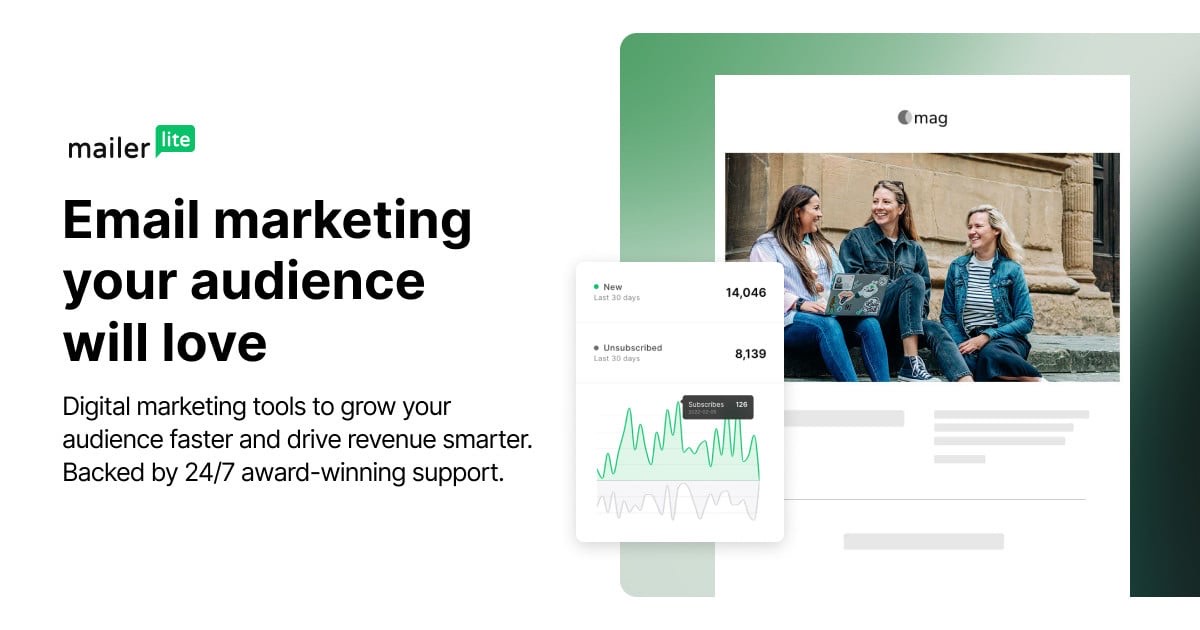
Newsletter platforms compared
| Platform | Free plan | Entry paid price | Paid newsletters | Best for |
|---|---|---|---|---|
| Kit | Up to 10,000 subscribers, no automations | Creator $33/month at 1,000 (annual) | Yes | Writers and creators |
| MailerLite | 250 subscribers, 2,500 emails | Comfort from $12 | Basic selling features | Small businesses |
| Brevo | 300 emails/day | Starter from about $9 * | No | Large lists |
| Mailchimp | 250 contacts, 500 emails | Essentials $13 (12-month intro) | No | Familiarity, integrations |
| GetResponse | Free plan + 14-day trial | Starter €13.12 at 1,000 (12-month) | Premium newsletters on paid plans | Creators with webinars |
* From 2026 pricing guides.
What a newsletter costs at different list sizes
| Subscribers | Kit | MailerLite | Brevo (monthly newsletter) | Mailchimp (year 1) |
|---|---|---|---|---|
| 200 | Free | Free | Free | Free |
| 2,000 | Free | Paid, by list size | Free (spread over 7 days) or Starter * | Paid, by list size |
| 8,000 | Free | Paid, by list size | Starter * | Paid, by list size |
For a pure newsletter without automation, Kit is free up to 10,000 subscribers, which no other mainstream platform matches.
1. Kit: best for writers and creators
Kit's free Newsletter plan includes unlimited broadcasts, landing pages and forms for up to 10,000 subscribers, and creators can sell digital products and paid newsletters. Creator ($33 a month at 1,000 subscribers, annual) adds unlimited automations such as welcome sequences.
Choose it if your newsletter is the product or the heart of your business. See Kit pricing.
2. MailerLite: best for small businesses
MailerLite's editor and templates make designed newsletters easy. The free plan covers 250 subscribers and 2,500 emails a month with 3 automations; Comfort starts at $12 a month with 50 active automations.
Choose it if your newsletter promotes a business. See MailerLite pricing.
3. Brevo: best for large lists that send rarely
Brevo charges by emails sent, with 300 free emails a day and Starter from about $9 a month *. A monthly newsletter to a large list often costs less on Brevo than anywhere else.
Choose it if you send infrequently to many people. See Brevo pricing.
4. Mailchimp: best known
Mailchimp is free for 250 contacts and 500 emails a month; Essentials ($13) and Standard ($20) are 50% off for 12 months, then double.
Choose it if a specific integration matters. See Mailchimp pricing.
5. GetResponse: best with webinars and courses
GetResponse offers newsletters, landing pages, funnels and, on Creator (€50.84 at 1,000 contacts, 12-month billing), webinars for up to 100 attendees.
Choose it if your newsletter leads readers to courses or live events. See GetResponse pricing.
Start Kit free → Free up to 10,000 subscribers, no card · Affiliate link
What to look for in a newsletter platform
Look for a clean editor that makes text-first emails easy to read, sign-up forms and landing pages, good deliverability tools, a referral or recommendation system to grow your list, and, if you plan to charge, paid subscription features. Check how the price grows with your list, because most platforms charge by subscribers.
Three real-world scenarios
A writer starting a weekly newsletter
Kit's free plan covers the first 10,000 subscribers.
A local business sending a monthly update to 3,000 customers
Brevo's free plan can reach them over several days, or MailerLite's paid plan offers better templates.
A coach whose newsletter sells a course
GetResponse Creator adds webinars and funnels; Kit Creator adds sequences and digital product sales.
How to choose a newsletter platform
- Decide whether the newsletter is your product or your marketing.
- Count subscribers now and in a year.
- Decide whether you'll charge readers.
- Send the same issue from two free plans.
- Check deliverability and how readers respond.
Mistakes to avoid
- Picking a platform whose free plan you'll outgrow in a month.
- Importing subscribers without consent.
- Overdesigning emails that land in the promotions tab.
- Forgetting to authenticate your sending domain; see our email deliverability guide.
Terms explained
- Broadcast: a one-off email to your list.
- Paid newsletter: a subscription that readers pay for.
- Recommendation network: a system where newsletters recommend each other.
- Sending domain: the domain your newsletter is sent from.
Who each pick suits
A writer building an audience should start on Kit's free plan and add Creator when sequences matter. A small business sending a monthly update should look at MailerLite for designed emails or Brevo for a large list. A creator who sells courses through webinars should consider GetResponse. A team that needs a specific app connection may still prefer Mailchimp.
Setting up your newsletter in a day
- Choose a sending domain and authenticate it.
- Create a sign-up form and a simple landing page.
- Write a welcome email that sets expectations.
- Import subscribers who agreed to receive your newsletter.
- Send your first issue and check opens and replies.
Features compared
| Feature | Kit | MailerLite | Brevo | Mailchimp | GetResponse |
|---|---|---|---|---|---|
| Free subscribers | 10,000 | 250 | Large list, 300 emails/day | 250 | Free plan |
| Automation on free plan | No | 3 | Yes | Limited | Limited |
| Paid newsletters | Yes | Basic | No | No | Premium newsletters (paid plans) |
| Landing pages | Yes | Yes | Yes | Yes | Yes |
| Webinars | No | No | No | No | Creator |
Growing your newsletter
Every platform here includes sign-up forms and landing pages. Put a form on every blog post, offer a useful lead magnet, ask readers to forward issues, and use Kit's recommendation network if you're on Kit. Measure growth by new subscribers per issue, and clean out readers who haven't opened in six months to protect deliverability.
Our verdict
Kit is the best newsletter platform for writers and creators, with an unmatched free plan and paid newsletter features. MailerLite suits small businesses that want designed emails, Brevo suits large lists that send rarely, Mailchimp suits teams that need its integrations, and GetResponse suits creators who sell through webinars.
How we compiled this ranking
We checked free plans and entry prices on official pricing pages on October 29–30, 2026; Brevo paid prices come from 2026 pricing guides. See also best free email marketing software and ConvertKit (Kit) vs MailerLite.
FAQ
What is the best free newsletter platform?
Kit, free for up to 10,000 subscribers.
Which platform lets me charge for my newsletter?
Kit supports paid newsletters; GetResponse offers premium newsletters on paid plans.
Is MailerLite good for newsletters?
Yes, especially for businesses that want designed emails and automation.
Is Mailchimp still good for newsletters?
Yes, but its free plan stops at 250 contacts and its prices double after 12 months.
Which is cheapest for a large list?
Brevo, if you send infrequently, because it charges by emails sent.
Can I move my newsletter between platforms?
Yes. Export subscribers as CSV and import them, then update your sign-up forms.
How often should I send a newsletter?
Pick a schedule you can keep, such as weekly or every two weeks; consistency matters more than frequency.
Do I need my own domain?
Yes, sending from your own domain improves deliverability and trust.
Which platform has the best deliverability?
All five use established infrastructure; your list quality and domain setup matter most.
Can I start for free?
Yes, all five have free plans.
Sources
kit.com/pricing, mailerlite.com/pricing and mailchimp.com/pricing, checked October 29, 2026; getresponse.com/pricing, checked October 30, 2026; Brevo from 2026 pricing guides.