


Home › Software › Notion › Alternatives
Last updated: October 29, 2026
TechCurato is reader-supported. Some links are affiliate links: we may earn a commission at no extra cost to you. Learn more.
6 Best Notion Alternatives (2027): Prices and Who Each Is For
The best Notion alternative for most teams is ClickUp: it combines docs with real project management (tasks, views, dashboards, time tracking) for $9 per user per month on annual billing, with a Free Forever plan. Choose Asana for structured projects and deadlines ($10.99), Trello for the simplest boards ($5), monday.com for visual workflows ($9, 3-seat minimum) and Airtable for relational databases ($20 per editor). Notion itself is free for individuals and costs $10 per seat on Plus.
- Best overall: ClickUp (Core $9/user, Free Forever plan)
- Best for structured projects: Asana (Starter $10.99/user, free for 2 users)
- Cheapest: Trello (Standard $5/user, free for 10 collaborators)
- Best for visual workflows: monday.com (Basic $9/seat, 3-seat minimum)
- Best for databases: Airtable (Team $20/editor, free up to 5 editors)
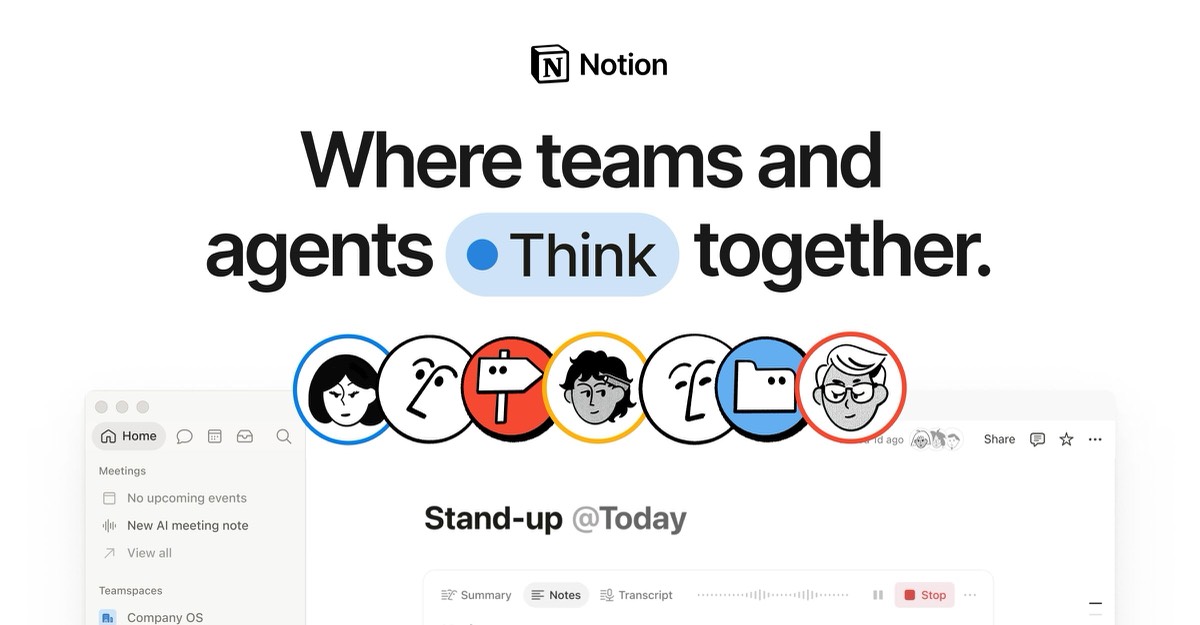
Why people look for a Notion alternative
Notion is a flexible workspace for docs, wikis and databases, but teams often leave it for one of four reasons:
- Project management feels bolted on. Deadlines, dependencies, workload and time tracking take effort to build.
- Free plan limits for teams. Notion's free plan is unlimited for one person but limited for workspaces with 2 or more members.
- Too much flexibility. Every team builds its own system, which can become messy.
- Performance with large databases. Big databases can feel slow compared with a dedicated database tool.
Notion alternatives compared
| Tool | Free plan | Entry paid plan | Best for |
|---|---|---|---|
| Notion (reference) | Free for individuals | Plus $10/seat (monthly price) | Docs and wikis |
| ClickUp | Free Forever: 60 MB, 100 automations | Core $9/user (annual) | Docs plus project management |
| Asana | Up to 2 users | Starter $10.99/user (annual) | Structured projects |
| Trello | 10 boards, 10 collaborators | Standard $5/user (annual) | Simple boards |
| monday.com | 2 seats, 3 boards | Basic $9/seat (3-seat minimum) | Visual workflows |
| Airtable | 1,000 records/base, 5 editors | Team $20/editor (annual) | Relational databases |
What each alternative costs a 10-person team
| Tool | Plan | Per month | Per year |
|---|---|---|---|
| Trello | Standard | $50 | $600 |
| ClickUp | Core | $90 | $1,080 |
| monday.com | Basic | $90 | $1,080 |
| Notion | Plus (monthly price) | $100 | $1,200 |
| Asana | Starter | $109.90 | $1,318.80 |
| Airtable | Team | $200 | $2,400 |
1. ClickUp: best overall Notion alternative
ClickUp includes Docs (wikis and documents) alongside tasks, list, board, calendar, Gantt and workload views, goals, dashboards and time tracking. It's the closest all-in-one replacement for teams that use Notion for both knowledge and projects. Core costs $9 per user on annual billing ($12 regular), Business $17 ($25 regular), and the Free Forever plan includes 60 MB of storage and 100 automation actions a month.
Choose it if: you want docs and serious project management in one tool. See ClickUp vs Notion.
2. Asana: best for structured projects
Asana is built around tasks with one owner and a due date, with timelines, unlimited automations and reporting dashboards on Starter ($10.99 per user, annual; $13.49 monthly). Advanced ($24.99) adds goals, portfolios and resource management. It's free for up to 2 users.
Choose it if: missed deadlines and unclear ownership are your main problem. See Asana vs Notion.
3. Trello: cheapest and simplest
Trello's Kanban boards are learnable in minutes. It's free for up to 10 collaborators and 10 boards per Workspace, and Standard costs $5 per user on annual billing.
Choose it if: you mainly used Notion for simple task boards. See Notion vs Trello.
4. monday.com: best for visual workflows
monday.com boards look like colorful spreadsheets, with dashboards across boards and automations. Basic costs $9 per seat, Standard $12 and Pro $19 on annual billing, with a 3-seat minimum; the free plan covers 2 seats and 3 boards.
Choose it if: you run many different workflows and want dashboards out of the box.
5. Airtable: best for databases
Airtable is a relational database with linked tables, strict field types, interfaces and 25,000 automation runs a month on Team ($20 per editor, annual). It's free up to 1,000 records per base and 5 editors.
Choose it if: you used Notion databases for inventories, CRMs or content libraries and need more power. See Airtable vs Notion.
6. Google Docs or Microsoft 365 for documents
If your team used Notion mainly for documents, the office suite you already pay for may be enough for docs, paired with a lightweight board tool such as Trello. It's the cheapest route when you don't need databases.
Try ClickUp Free Forever → Docs and projects in one tool, no credit card · Affiliate link
Three real-world scenarios
A 6-person agency using Notion for projects and wikis
ClickUp Core ($54 a month, annual) keeps docs and adds time tracking and workload views.
A 3-person startup that only needs task boards
Trello's free plan covers all three; Notion stays free for each founder's personal notes.
An operations team with large Notion databases
Airtable Team handles linked records and heavy automation better; keep Notion for documentation if needed.
How to choose a Notion alternative
- List what you used Notion for: docs, wikis, tasks, databases.
- Pick the tool that covers your top two uses.
- Export Notion content to Markdown or CSV before switching.
- Run one real project in your top two choices for a week.
- Move gradually, starting with active projects.
Migrating away from Notion
Notion exports pages as Markdown and HTML and databases as CSV. ClickUp, Asana, Trello, monday.com and Airtable all import CSV files, and ClickUp offers a Notion importer. Move active projects first, archive old pages, and keep a read-only Notion workspace for a month in case something was missed.
Terms explained
- Workspace: your team's shared space in Notion and other tools.
- Database: a structured collection of records or pages.
- Kanban board: a board where tasks move between columns.
- Seat or editor: a paid user licence.
Mistakes to avoid when switching
- Switching mid-project: move between projects or campaigns, not in the middle of one.
- Migrating everything: archive old data and move only what's active.
- Skipping a trial with real work: demo data hides the problems you'll actually meet.
- Ignoring seat or contact counts: price the plan for your real team or list in a year.
- Forgetting integrations: list every connected app before you cancel your current tool.
Our verdict
ClickUp is the best Notion alternative for teams that want docs and real project management together, at $9 per user. Asana is best for deadline-driven projects, Trello for simple boards at $5, monday.com for visual workflows and Airtable for serious databases. If you only need docs and a wiki, Notion may still be the right tool.
How we compiled this page
Prices and limits come from each vendor's official pricing page, checked October 29, 2026, using annual billing unless noted. Notion prices are monthly prices, with up to 20% off yearly.
FAQ
What is the best alternative to Notion?
ClickUp for most teams; Asana for structured projects; Trello for simple boards; Airtable for databases.
Is there a free Notion alternative?
Yes: ClickUp Free Forever, Trello (10 collaborators), Asana (2 users), monday.com (2 seats) and Airtable (5 editors) all have free plans.
Is ClickUp better than Notion?
For project management, yes. For flexible docs and wikis, Notion is often better.
Can I import Notion into ClickUp?
Yes. ClickUp offers a Notion importer, and Notion exports to Markdown and CSV.
What is the cheapest Notion alternative?
Trello Standard at $5 per user on annual billing, or free for up to 10 collaborators.
Which Notion alternative is best for databases?
Airtable.
Can I use Notion and ClickUp together?
Yes. Some teams keep their wiki in Notion and run projects in ClickUp, linking the two.
Which Notion alternative is best for wikis?
ClickUp Docs for teams that also manage projects; Google Docs or Microsoft 365 if you only need documents.
Sources
notion.com/pricing, clickup.com/pricing, asana.com/pricing, trello.com/pricing, monday.com/pricing and airtable.com/pricing, checked October 29, 2026.
Related
- Notion Pricing 2027: Free vs Plus vs Business Explained
- Airtable vs Notion (2027): Prices, Limits & Which to Choose
- Asana vs Notion (2027): Prices, Free Plans & Which to Pick
- ClickUp vs Notion (2027): Prices, Free Plans & Which to Pick
- Notion vs monday.com (2027): Prices, Limits & Which to Pick