


Home › Guides › How to Manage Multiple Projects
Last updated: October 29, 2026
TechCurato is reader-supported. Some links are affiliate links: we may earn a commission at no extra cost to you. Learn more.
How to Manage Multiple Projects (2027): A Practical System
To manage multiple projects without dropping anything, put all work in one place, decide priorities across projects rather than inside each one, limit how much each person works on at once, and review everything every week. A project management tool with a cross-project view (ClickUp, Asana, monday.com or Trello) makes this easier, but the habits matter more than the software.
- One list of all work beats separate lists per project.
- Prioritize across projects every week, not inside each project.
- Limit work in progress per person to avoid constant switching.
- A weekly review of deadlines and workload catches problems early.
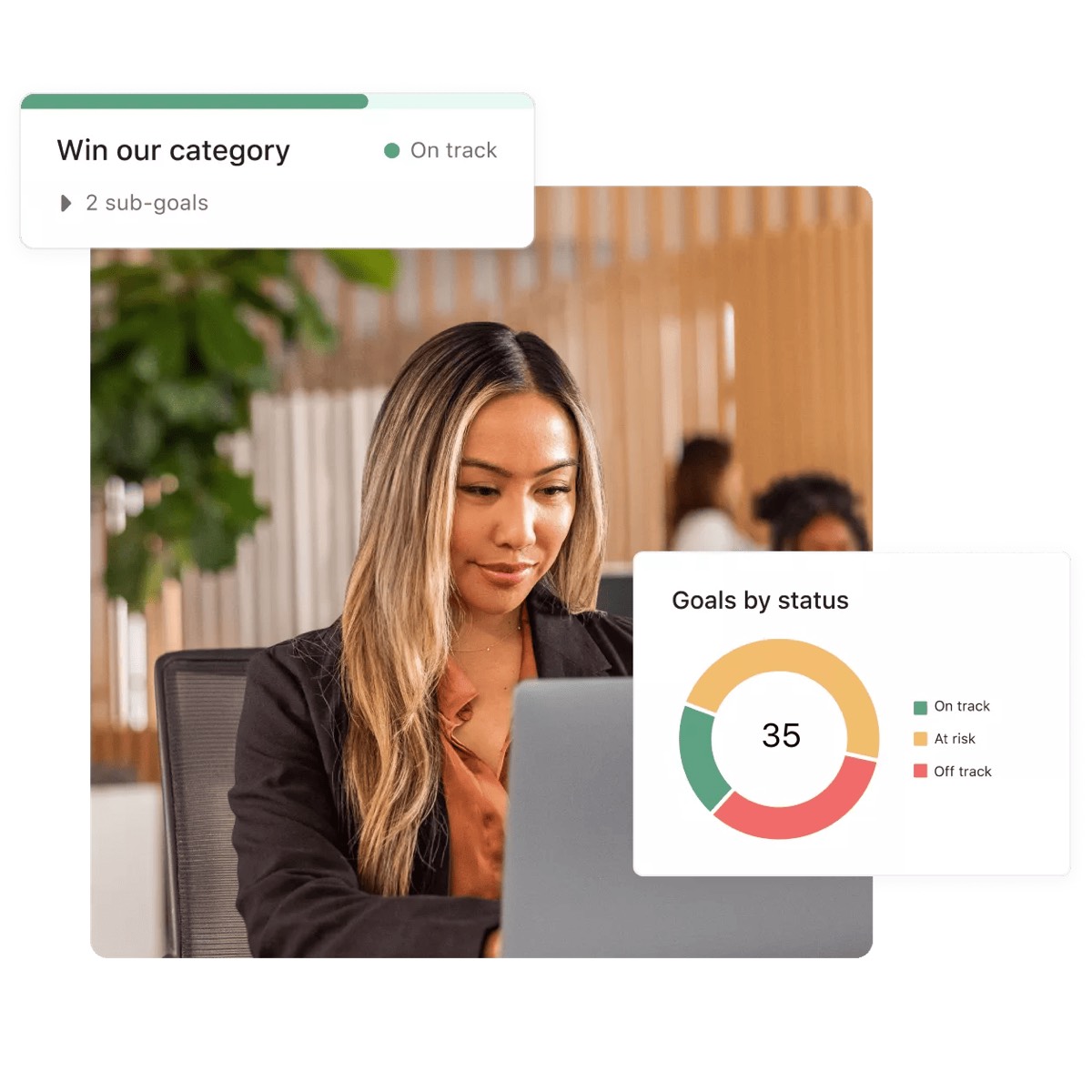
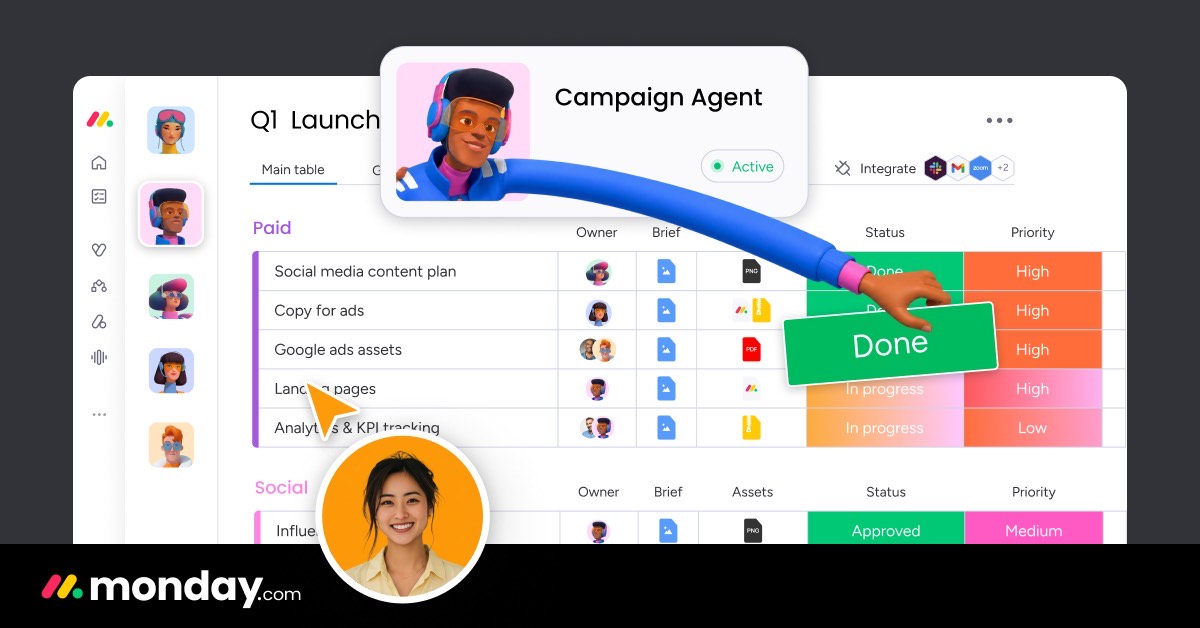
- Cross-project views: ClickUp dashboards, Asana portfolios (Advanced), monday.com dashboards, Trello boards per project.

Why juggling projects feels hard
When several projects run at once, the problem is rarely the work itself. It's that priorities conflict, people switch between tasks all day, and nobody sees the whole picture. Each project lead thinks their deadline is the most important, and the same designer or developer is promised to three projects in the same week. A simple system fixes most of this.
Step 1: Put all work in one place
Use one tool for every project, with each project as its own list, board or space. Every task gets an owner and a due date. If work lives in emails, chats and separate spreadsheets, you can't compare projects or see who is overloaded.
Step 2: Define what "done" means for each project
For each project, write one sentence describing the outcome, the deadline and the person accountable. Break the project into milestones of one to two weeks. Small milestones make progress visible and make it easier to compare projects.
Step 3: Prioritize across projects
Once a week, rank projects against each other, not just tasks within a project. A simple method:
| Priority | Meaning | Example |
|---|---|---|
| 1 | Committed deadline with a client or launch | Client website due Friday |
| 2 | Important, flexible date | Internal process improvement |
| 3 | Nice to have | Redesign of an internal template |
When two projects compete for the same person, the higher-priority project wins, and you renegotiate the other deadline instead of hoping it works out.
Step 4: Limit work in progress
Switching between many tasks wastes time. Ask each person to work on a small number of tasks at once, and finish before starting new ones. Kanban-style boards with work-in-progress limits make this visible. See Kanban vs Scrum.
Step 5: Watch workload, not just deadlines
A plan that's on time on paper can still overload one person. Use a workload or capacity view to see how many tasks or hours each person has this week. ClickUp includes workload views, monday.com shows workload in dashboards, and Asana Advanced adds resource management.
Step 6: Run a 30-minute weekly review
Every week, look at:
- Deadlines in the next two weeks across all projects.
- Tasks that are overdue or blocked.
- Each person's workload.
- Priorities for next week.
Then update the plan and tell people what changed.
Step 7: Communicate in one place
Keep project updates in the tool, next to the tasks, rather than scattered across email and chat. A short weekly status note per project (on track, at risk or late, and why) keeps stakeholders informed without meetings.
Tools that help
| Tool | Cross-project view | Workload view | Free plan | Entry paid price (annual) |
|---|---|---|---|---|
| ClickUp | Dashboards, Everything view | Yes | Free Forever | Core $9/user |
| Asana | Portfolios (Advanced) | Resource management (Advanced) | 2 users | Starter $10.99/user |
| monday.com | Dashboards across boards | Yes | 2 seats | Basic $9/seat (3-seat minimum) |
| Trello | One board per project | Via Power-Ups | 10 collaborators | Standard $5/user |
| Notion | Linked databases | Limited | Individuals | Plus $10/seat (monthly price) |
ClickUp is the most complete choice for many projects on a small budget; monday.com suits teams that want visual dashboards; Asana Advanced suits larger teams that manage portfolios. See best project management software for small teams and best project management software for agencies.
Try ClickUp Free Forever → Dashboards and workload views in one tool · Affiliate link
Three real-world examples
A freelancer with 6 clients
One board per client in Trello or ClickUp, a weekly review every Monday, and no more than two active tasks at once.
A 10-person agency
ClickUp spaces per client, a workload view for the team, and a 30-minute weekly priority meeting with account managers.
An operations team running internal projects
monday.com boards per project with a dashboard showing status and owner for every project.
Common mistakes
- Keeping a separate to-do list per project with no overall view.
- Saying yes to every new project without checking capacity.
- Treating every deadline as top priority.
- Skipping the weekly review when things get busy, which is exactly when it matters.
Terms explained
- Milestone: a checkpoint within a project.
- Work in progress: tasks started but not finished.
- Workload view: a view of how much work each person has.
- Portfolio: a view of several projects at once.
Weekly planning template
| Project | Priority | Next milestone | Due | Owner | Status |
|---|---|---|---|---|---|
| Client A website | 1 | Homepage design approved | Friday | Designer | On track |
| Newsletter redesign | 2 | Template drafted | Next week | Marketer | At risk |
| Internal wiki | 3 | Structure agreed | End of month | Ops lead | On track |
Fill this in during your weekly review, then share it with the team.
Handling new requests
When a new project or urgent request arrives, check capacity before saying yes. Ask what it replaces or delays, agree the priority with whoever owns the deadlines, and update the plan. A clear "yes, and here's what moves" protects existing commitments.
Delegation and ownership
Every project needs one owner who tracks progress and raises risks early. Owners don't have to do all the work, but they keep the plan current and speak up when deadlines slip.
Tools for solo managers versus teams
A freelancer or solo manager rarely needs portfolio features. A free Trello or ClickUp account with one board per client and a recurring Monday task for the weekly review is enough. Teams of five or more benefit from workload views and dashboards, because the main risk shifts from forgetting tasks to overloading the same people. Choose the simplest setup that shows every project and every person's workload on one screen, and upgrade only when that view stops being enough.
When to stop a project
Sometimes the best way to manage many projects is to finish fewer. Pause or cancel projects that no longer support current goals, and tell stakeholders clearly.
Our verdict
Managing multiple projects comes down to one place for all work, honest priorities across projects, limits on work in progress and a weekly review. Pick a tool with a cross-project view, such as ClickUp, monday.com or Asana, and keep the habits simple enough that your team follows them every week.
How we compiled this guide
This guide draws on common project management practice; tool features and prices come from official pricing pages checked October 29, 2026.
FAQ
How do you manage multiple projects at once?
Keep all work in one tool, prioritize across projects weekly, limit work in progress and review workload every week.
What is the best tool for managing multiple projects?
ClickUp for most small teams; monday.com for visual dashboards; Asana Advanced for portfolios.
How many projects can one person handle?
It depends on project size; the useful limit is how many tasks a person works on at once, not how many projects they're assigned to.
How do I prioritize between projects?
Rank projects by committed deadlines and business impact, and renegotiate lower-priority deadlines when people are overloaded.
Should every project have its own board?
Yes, with a shared view or dashboard across all boards.
How long should a weekly review take?
About 30 minutes for a small team.
What is the biggest mistake when managing multiple projects?
Saying yes to new work without checking capacity or adjusting priorities.
How do I avoid burnout across many projects?
Limit work in progress, protect focus time and review workload weekly.
Sources
Official pricing pages of ClickUp, Asana, monday.com, Trello and Notion, checked October 29, 2026.